Rainbow Six Siege X launched on June 10 with high expectations — and while many players jumped in right away, not everything went smoothly. For a lot of fans, the excitement quickly turned into frustration due to server connection problems that make the game unplayable.
How To Fix Rainbow Six Siege X Server Connection Issues
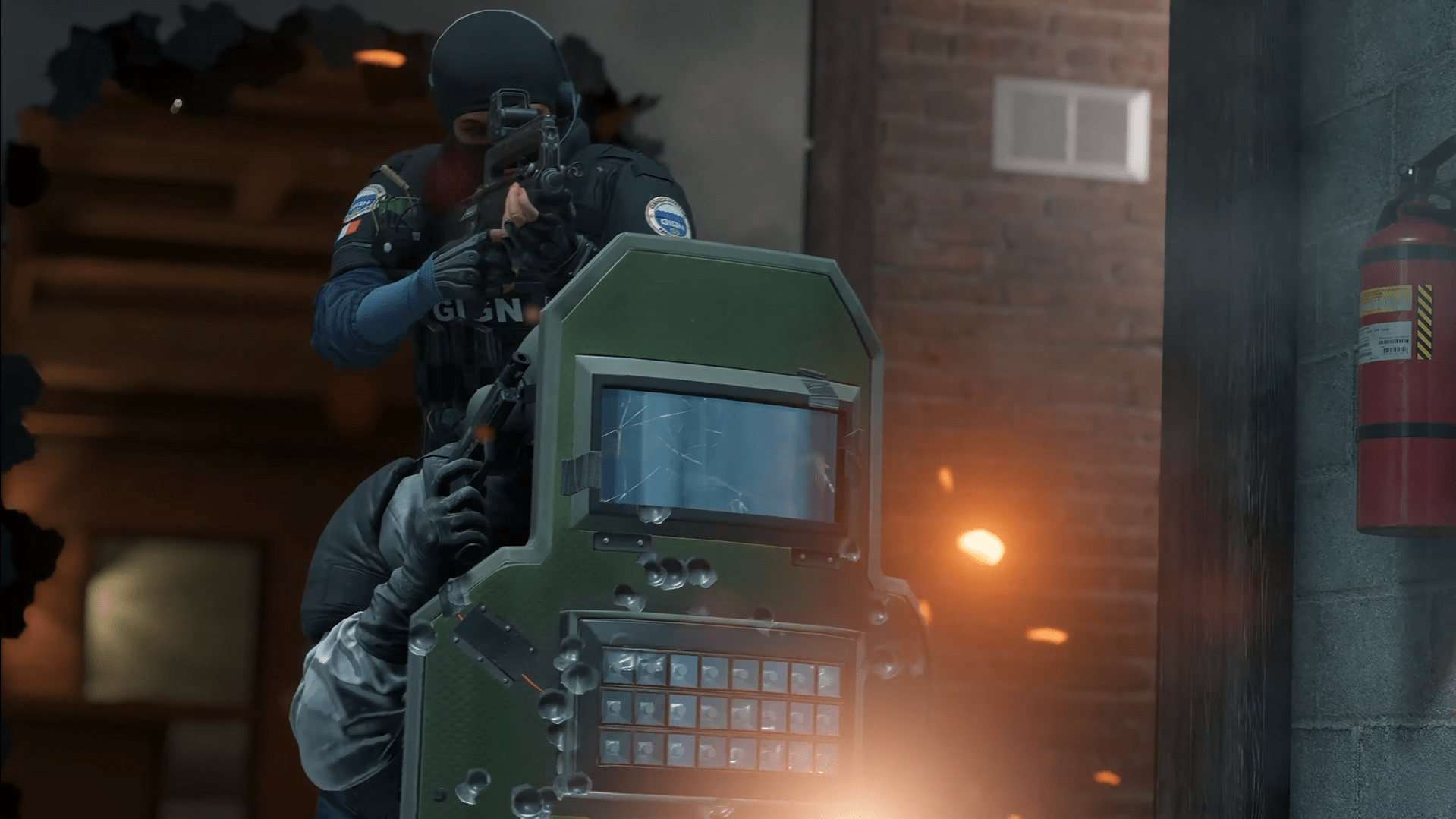
Ubisoft hasn’t shared any official updates about the situation yet. Still, based on what players are reporting, the servers are likely under heavy pressure — not surprising for a major update release. When thousands of users try to log in at once, things tend to break.
Until the developers patch things up, there are a few things you can do to (hopefully) get back into the action:
- Check for Game Updates — First, double-check that you’re running the latest version of Siege X. If your launcher didn’t update automatically, search for a patch manually. Playing on an old build often causes connection hiccups.
- Verify Game Files — Sometimes it’s not the servers — it’s your files. Both Ubisoft Connect and Steam offer file verification tools. Run a quick check to make sure nothing is missing or corrupted.
- Test Your Network Connection — If your game is updated and still won’t connect, take a look at your network. Wired connections are always more stable than Wi-Fi. You can also test your speed or restart your router to clear up any local issues.
If these steps don’t help, the problem is likely on Ubisoft’s side. It happens. For now, the best move is to follow their official Twitter or forum threads for news. A fix is probably on the way — hopefully sooner rather than later.
Stuck with connection errors in Rainbow Six Siege X? Skip the frustration and secure your wins hassle-free. We’ll handle the grind — you collect the rewards. With our Dual Front Wins, you can keep progressing even when the game won’t let you play.