In this Valorant Best Crosshairs guide, we’ll cover the best crosshair types, recommended Valorant crosshair settings, import codes, beginner options, dot crosshairs, and pro-style setups. In our guide, you will learn everything about the best Valorant Crosshair settings.
Valorant Best Crosshairs Key Takeaways:
- The best Valorant crosshair for the majority of gamers is a small static crosshair with distinct inner lines.
- Using Valorant crosshair codes will allow you to try out different crosshairs quickly without adjusting each individual option.
- Cyan and green are the safest Valorant crosshair colors for ranked since they remain clearly visible on most maps.
- It is recommended to start from outlines, short inner lines, and an easily readable color rather than tiny pro dots.
- Dot crosshairs are suitable for tapping, Sheriff rounds, Guardian shots, and clear Vandal bursts.
- Professional Valorant crosshairs are good templates that still need to be tested before playing ranked.
- Movement Error and Firing Error may assist during practice, but most gamers turn them off later.
- The best Valorant crosshair is the one that you will be able to use for a few days without making changes.
 4.9
4.9Valorant Crosshair Codes
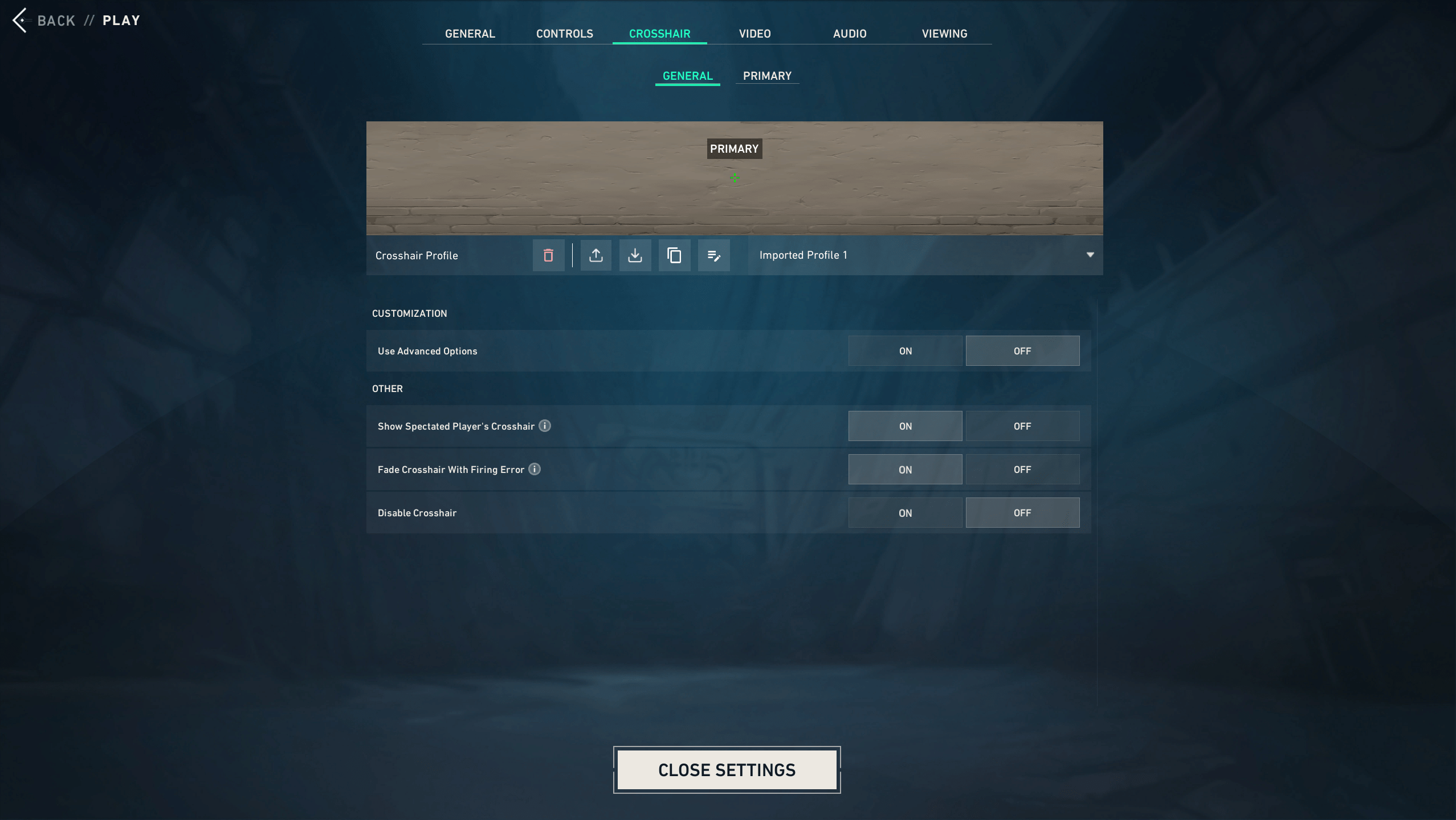
Best Overall Valorant Crosshair
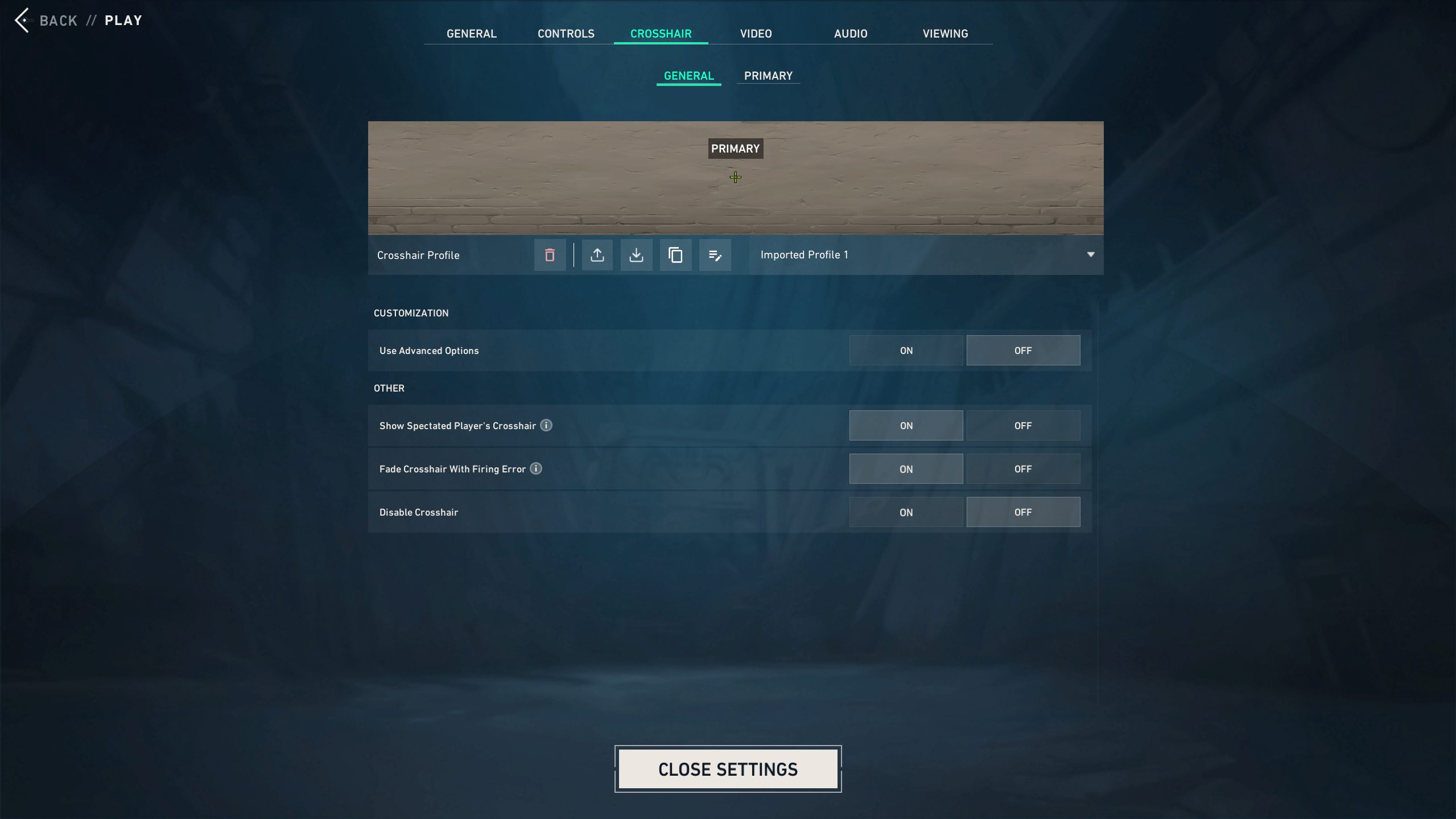
Best Beginner Valorant Crosshair
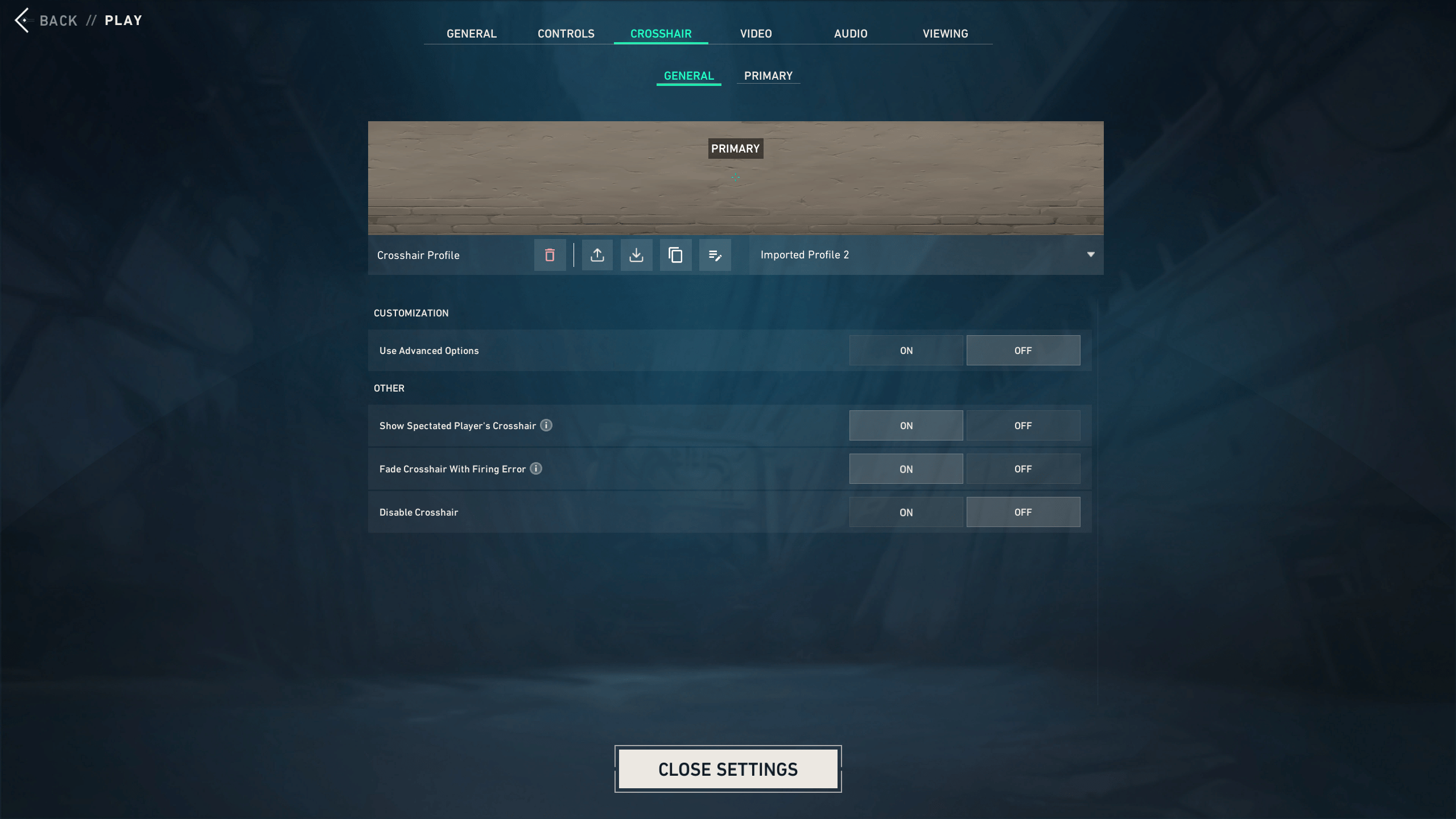
Best Small Valorant Crosshair
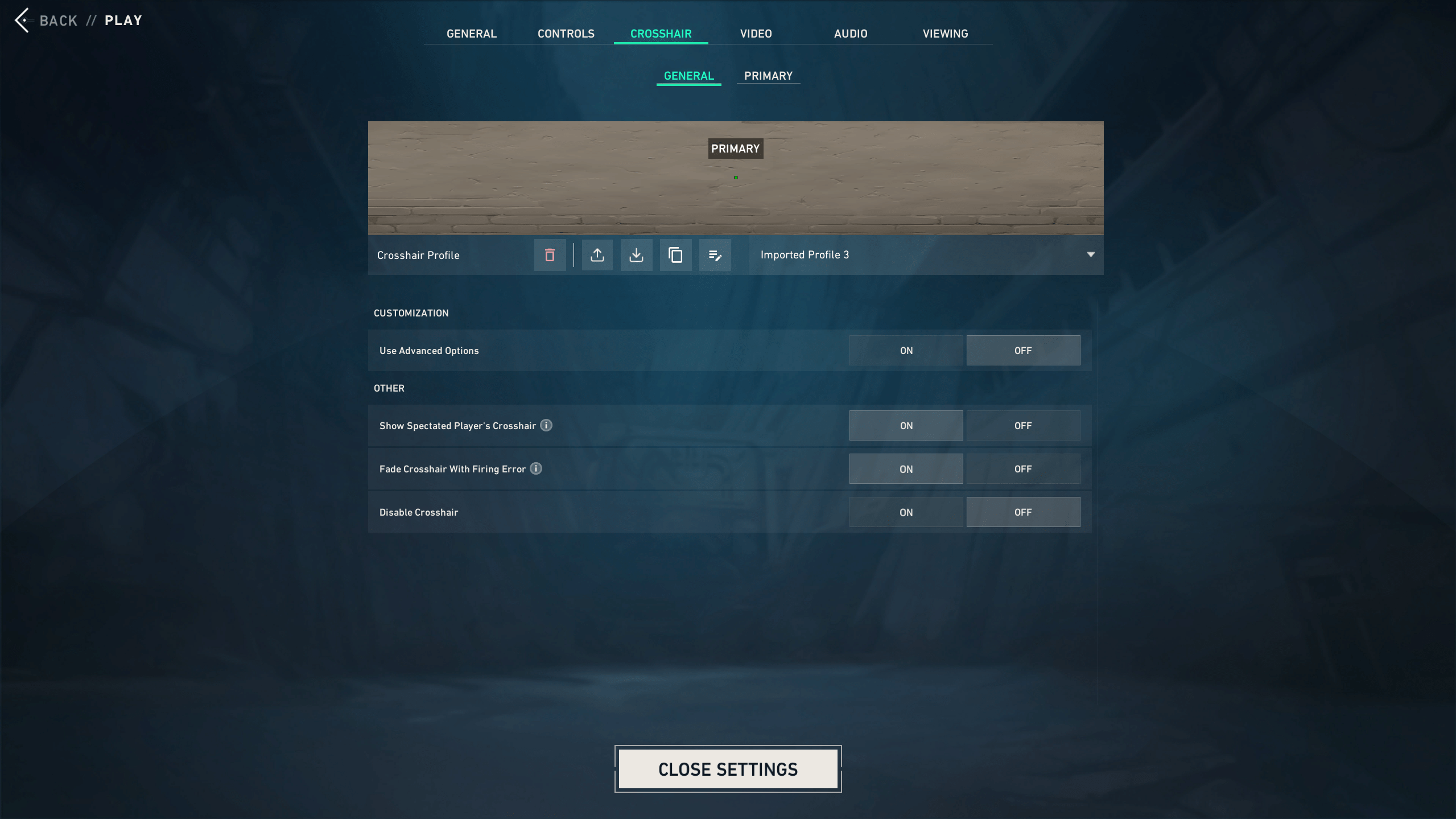
Best Dot Valorant Crosshair
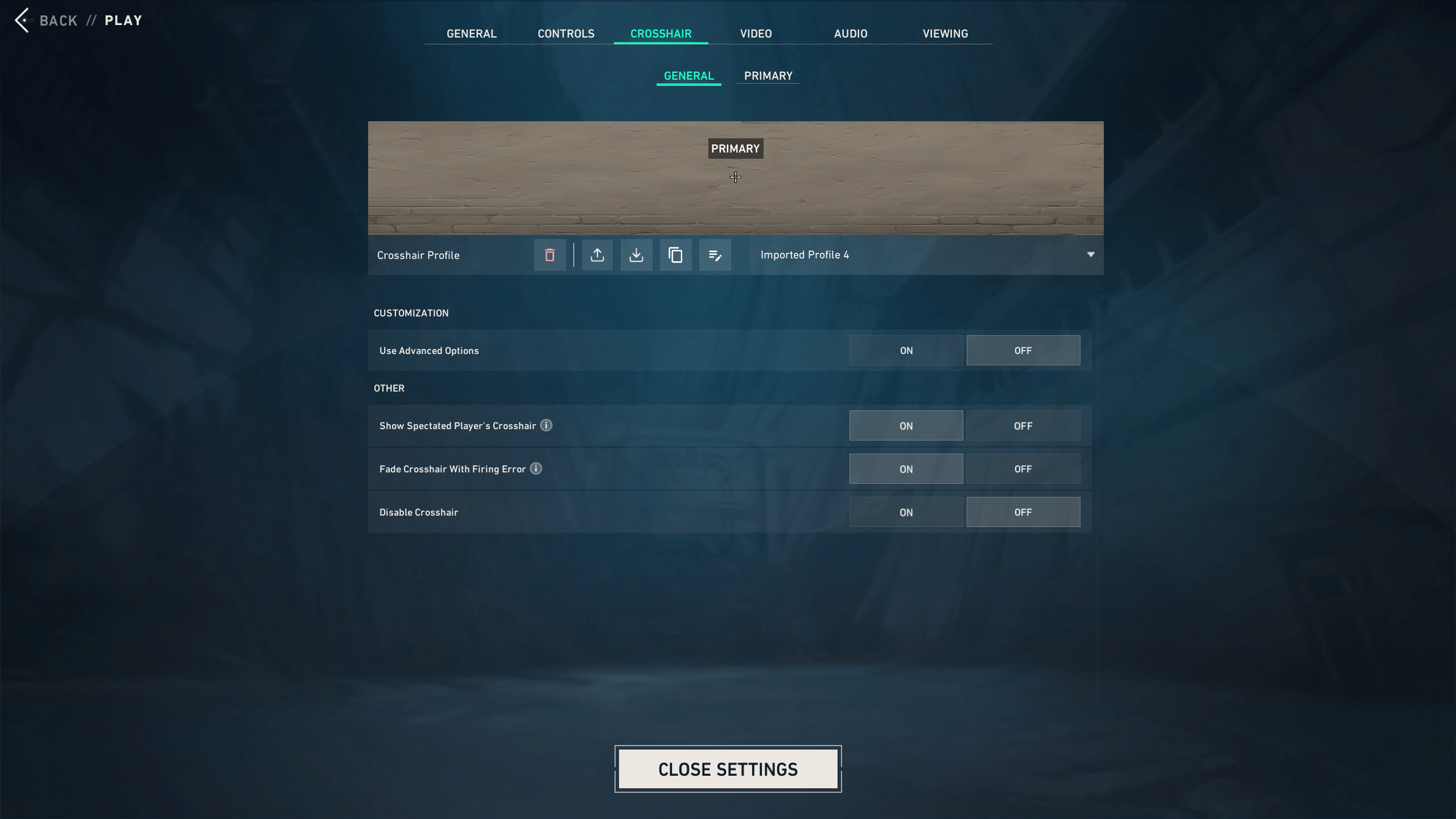
Valorant Best White Crosshair
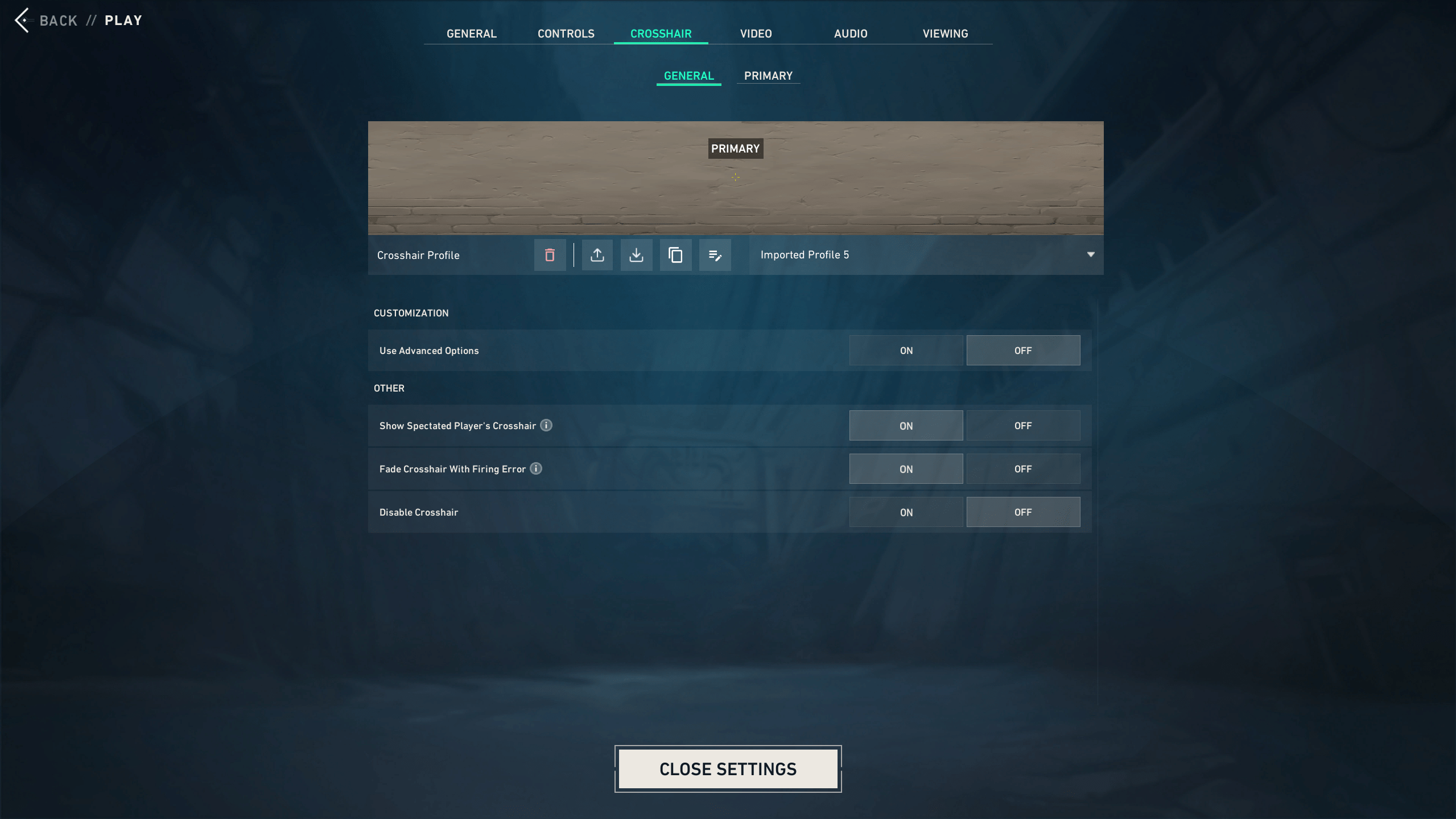
Valorant Best Yellow Crosshair
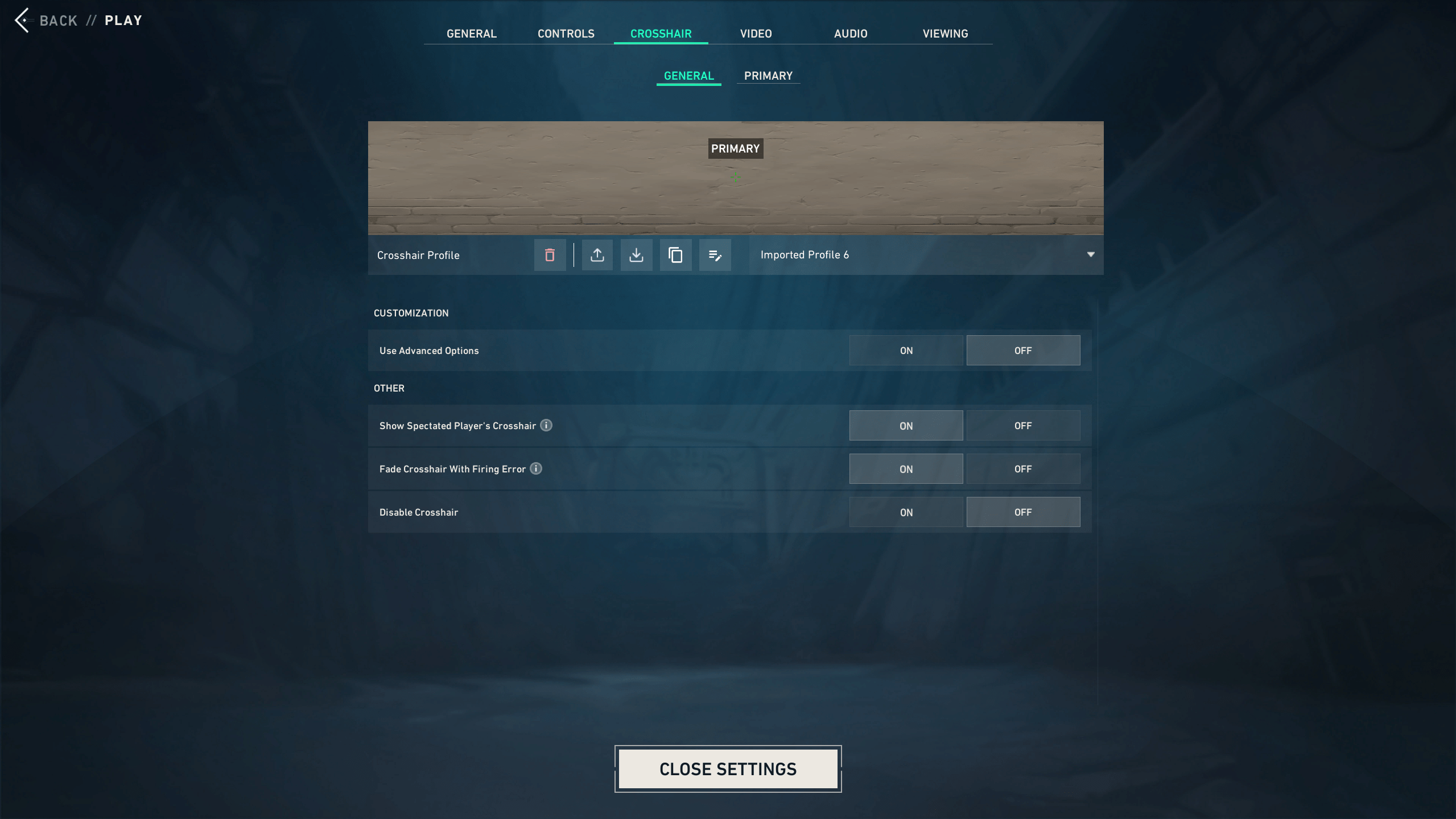
Valorant Best Rifle Crosshair
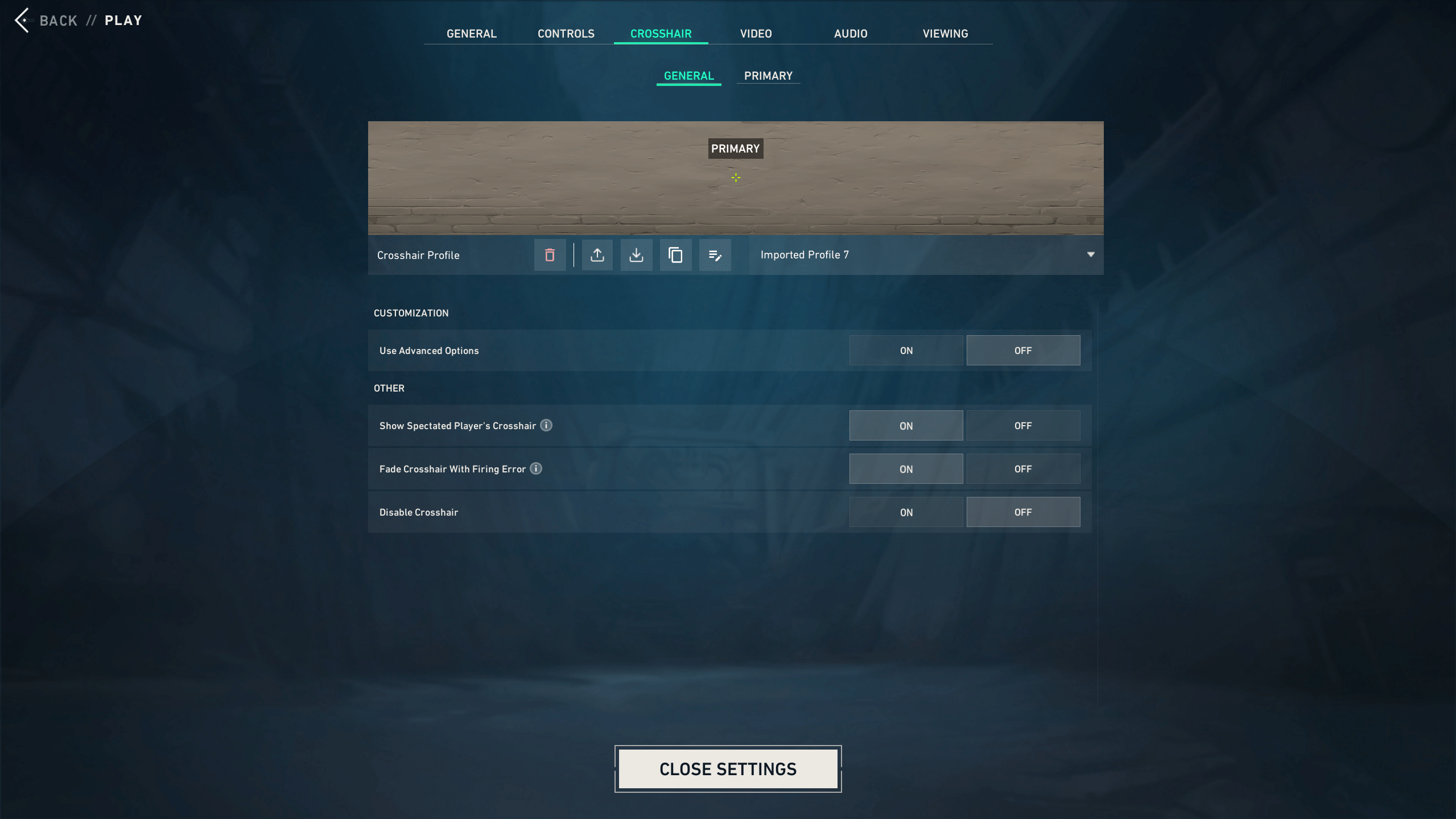
Valorant Best Static Crosshair
The best Valorant crosshairs usually look boring at first glance. That is not a bad thing. A clean crosshair helps you focus on movement, timing, and head placement instead of staring at your reticle. Here is a table with the best Valorant Crosshair Codes:
| Crosshair Name | Code | Best For |
|---|---|---|
| Best Overall Valorant Crosshair | Show Code
| Ranked and general play |
| Best Beginner Valorant Crosshair | Show Code
| New players |
| Best Small Valorant Crosshair | Show Code
| Clean rifle aim |
| Best Dot Valorant Crosshair | Show Code
| Taps and precision |
| Valorant Best White Crosshair | Show Code
| Clear visibility |
| Valorant Best Yellow Crosshair | Show Code
| Darker map areas |
| Valorant Best Rifle Crosshair | Show Code
| Vandal and Phantom |
| Valorant Best Static Crosshair | Show Code
| Ranked consistency |
For most players, the safest pick is a small static crosshair with short inner lines. It works with rifles, pistols, and most agents. It also stays readable during fast swings, retakes, and messy site hits.
Best Valorant Crosshair Settings Explained
Ideal Valorant crosshair settings are one that ensures that you can read, aim, and maintain your accuracy without having to squint or alter your body angle. It’s not necessary to copy the pro setup pixel by pixel. Use a basic static crosshair at first and then tweak the color, lines, and dot size to your personal aim style. Here is a list of the Best Valorant Crosshair Settings:
- Crosshair Color — For most Valorant maps, cyan and green are the best options. They remain visible on sunny walls, dark corners, smokes, and ability buffs. White also lends a nice touch to outlines; yellow can be a bit harsh on darker colors.
- Outlines — Outlines allow your Valorant crosshair to remain visible in cluttered backgrounds. These should be left on initially by beginners. They can subsequently be switched off if you’d like a purer display.
- Center Dot — This works great with players who prefer to tap heads with the Vandal, Guardian, or Sheriff. Provides a well-defined target point. However, a dot crosshair might seem more difficult to use during sprays, so novice users may prefer short inner crosshairs as well.
- Inner lines — Most Valorant crosshairs will be shaped by inner lines. Short thin lines with a small centre gap allow you to control without obscuring your target. It works for rifles, pistols, and most ranked matches.
- Outer Lines — Outer lines make the crosshair bigger and are generally turned off by most players. They can introduce new players to the concept of weapon spread, and they will clutter up in a real fight. A smaller crosshair is better when it comes to ranked.
- Movement Error — Movement Error displays the error of your shots when moving. It can be useful when you are in the early stages of practice, particularly if you are new to counter-strafing. For ranked games, most players turn it off.
- Firing Error — Firing Error indicates the changes in spread of your weapon in every shot you fire. It is useful for new players to grasp the concepts of sprays and bursts. After getting the hang of it, a static crosshair provides a more relaxed perspective during combat.
If you are still not sure which Valorant crosshair fits your aim, we can help you check your setup withValorant Experienced Player. A quick review of your crosshair, sensitivity, and basic aim habits can save a lot of trial-and-error time before ranked games.
How to Choose the Best Valorant Crosshair
The main thing to consider when selecting the perfect Valorant crosshair is the level of comfort and consistency you want. The crosshair ought to be aligned with how you shoot, and not how someone else plays. A pro Duelist can make a little dot look great, but it’s not necessarily what will work for your ranked games.
Even good players get it wrong in the settings of the crosshair sometimes. The funny thing is that many times the errors are the result of overthinking. It’s not always the case that if you’re getting a bad match, your crosshair is incorrect.
- Changing crosshair after each loss — This causes inconsistency and instability in your aim.
- Too large a crosshair — Big lines can obscure heads, particularly at longer range.
- Blindly copying pro codes — Pro Valorant crosshairs are helpful, but they must be tried.
- Choose light colors — If a color fades on the map, it doesn’t count as a cool color.
- Movement Error in ranked — It can distract you when you already know about movement accuracy.
- Too early to use dot-only — Dot crosshairs can backfire on the new player during sprays.
- Not paying attention to your resolution — The same code may sound a little different on different configurations.
Your crosshair should make the game feel calmer. If it adds visual noise or makes you second-guess every shot, change it.
A good crosshair helps, but ranked progress also depends on positioning, utility timing, and calmer duels. If you want a more personal route, our team can connect you with a Valorant player who reviews your goals and helps you understand what to improve first.
How to Import Crosshair Codes in Valorant
Importing Valorant crosshair codes takes less than a minute. It is one of the easiest ways to test a new setup without changing every value by hand.
- Open Valorant.
- Click the gear icon and open Settings.
- Go to the Crosshair tab.
- Open your current crosshair profile or create a new one.
- Click Import Profile Code.
- Paste the Valorant crosshair code.
- Click Import.
- Test the crosshair in the Practice Range before queuing ranked.
Create several profiles if you want to compare crosshairs. For example, keep one clean ranked crosshair, one dot crosshair, and one beginner-friendly setup. That makes testing much easier.
Valorant Best Pros Crosshairs
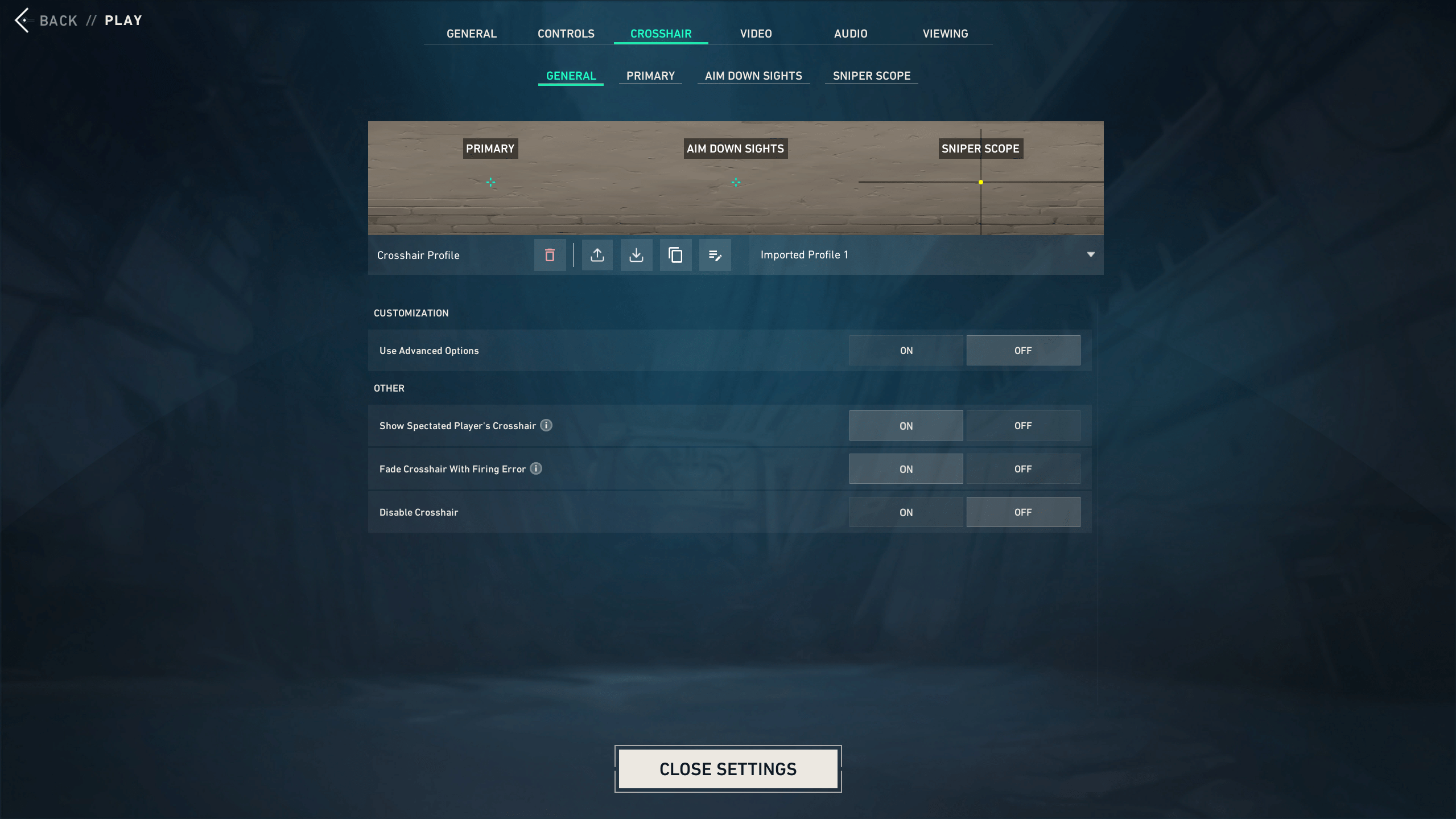
Valorant TenZ Crosshair
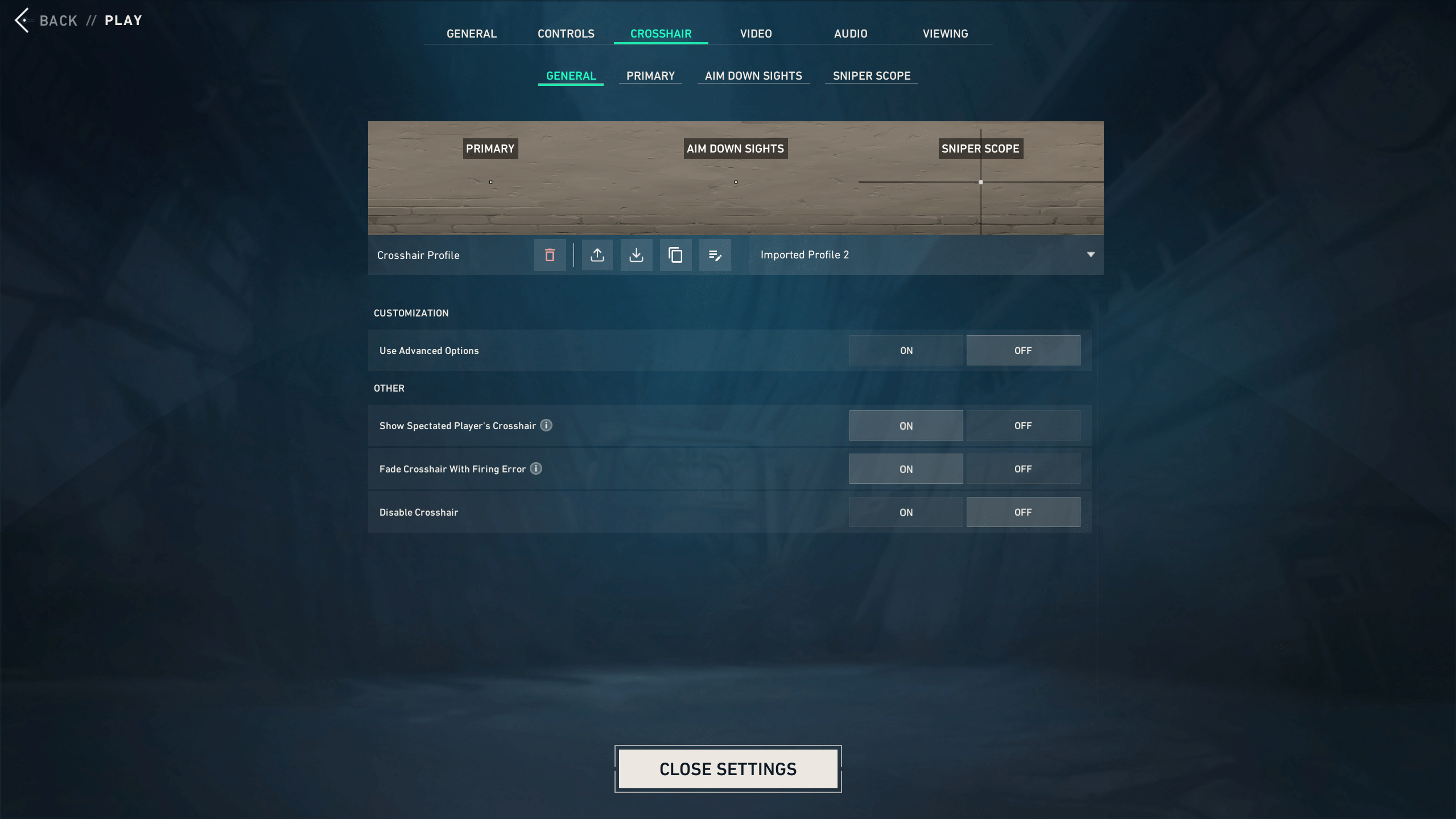
Valorant aspas Crosshair
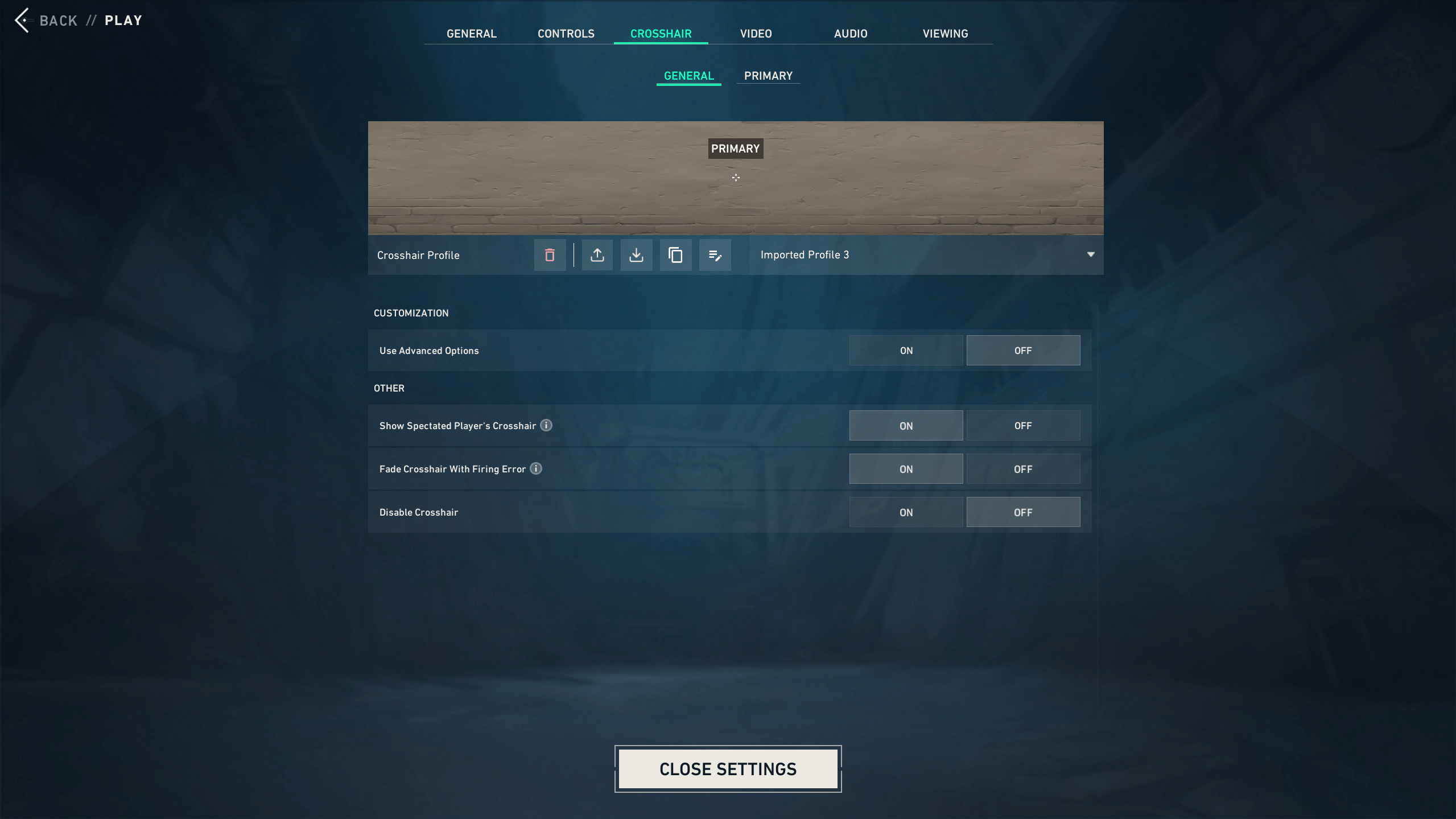
Valorant Demon1 Crosshair
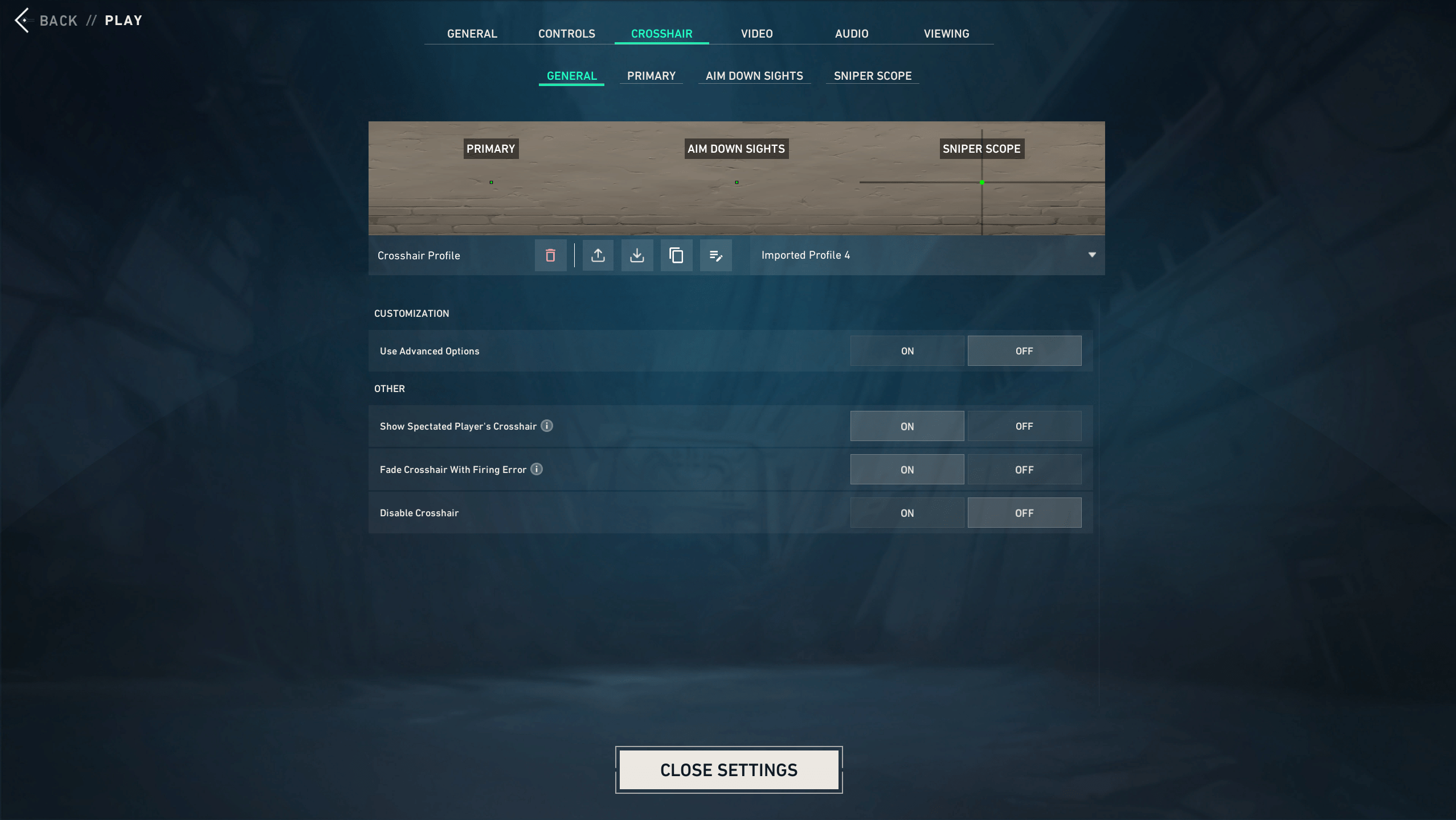
Valorant Boaster Crosshair
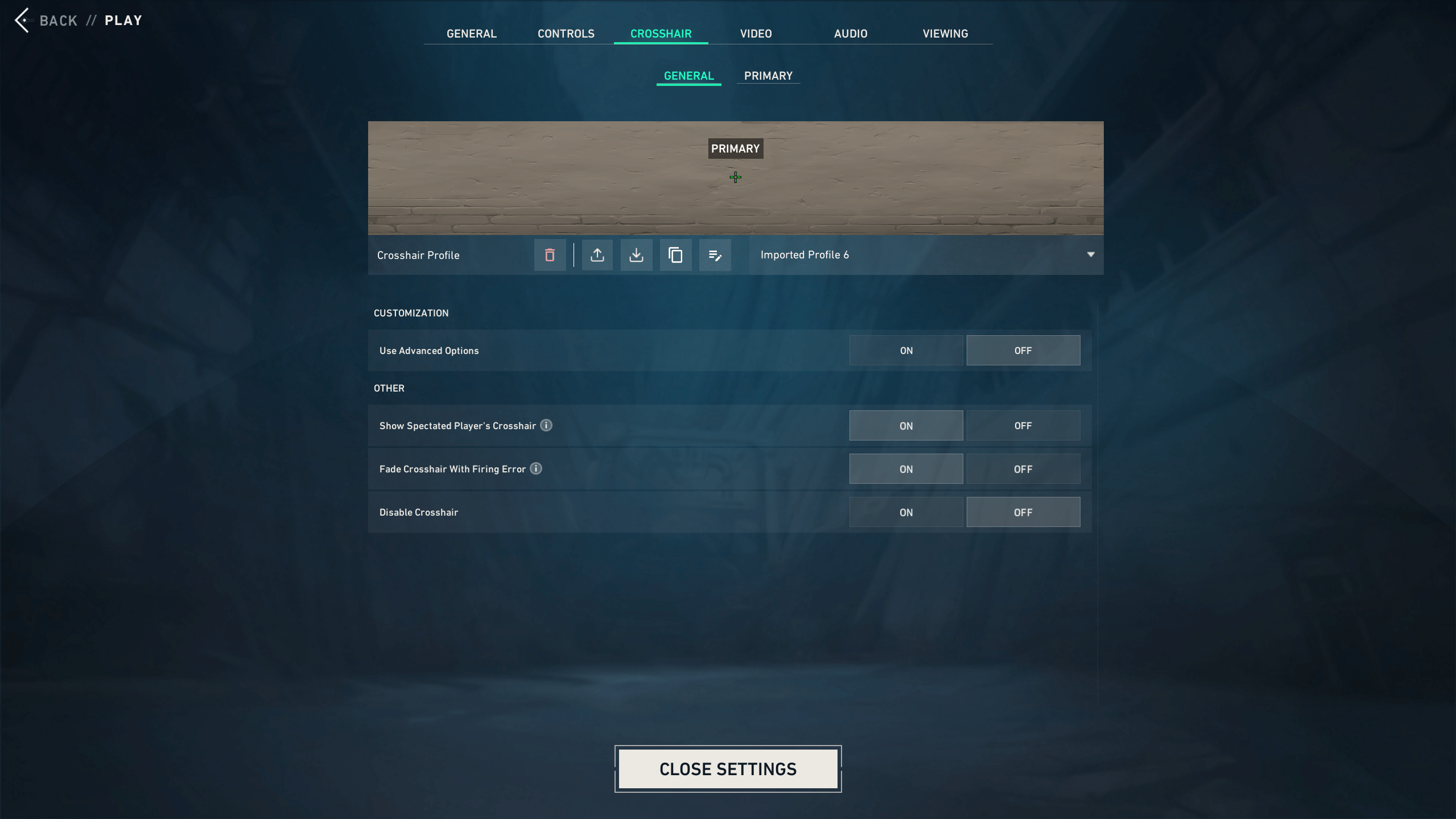
Valorant yay Crosshair
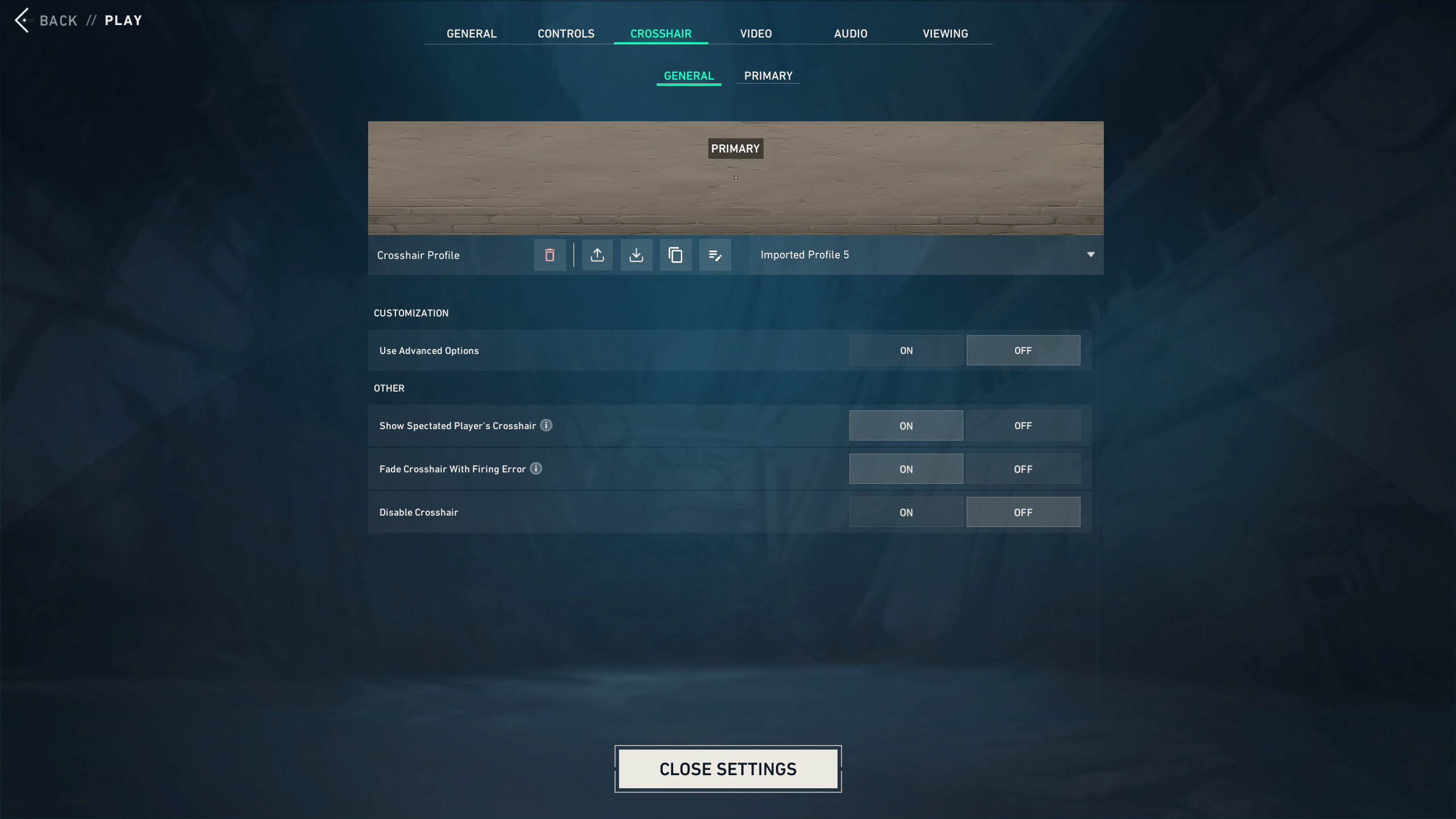
Valorant something Crosshair
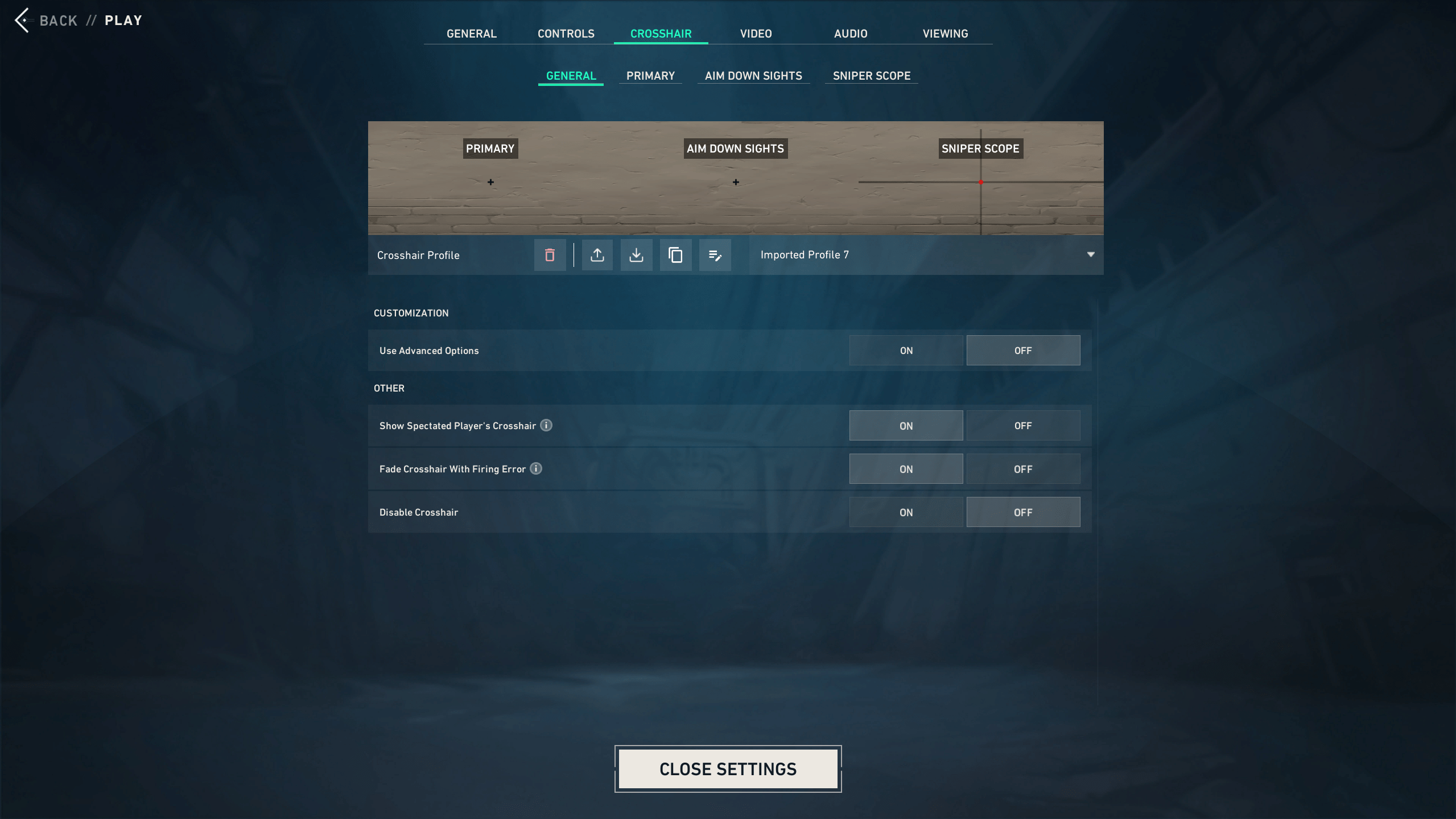
Valorant Less Crosshair
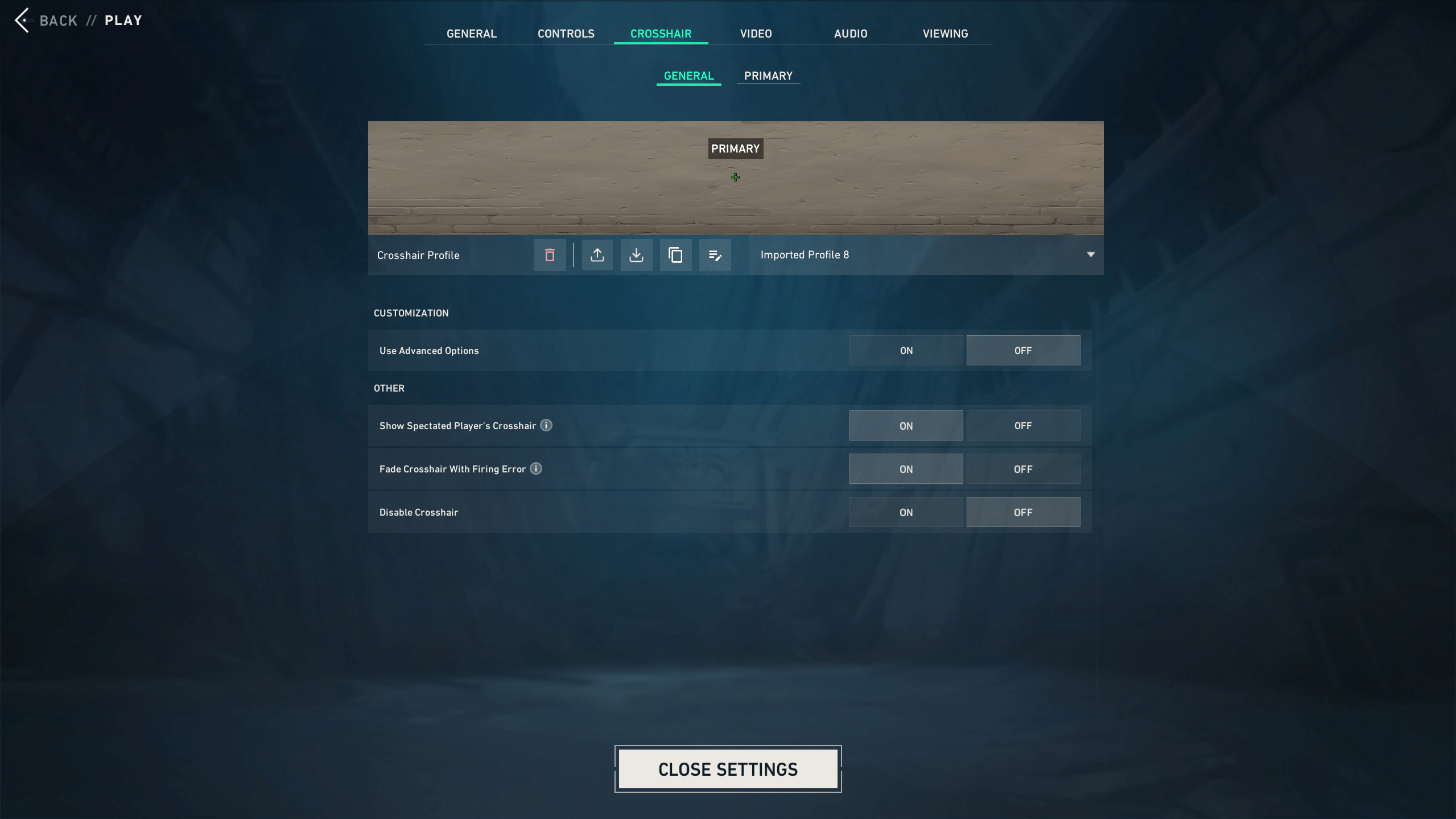
Valorant nAts Crosshair
Pro Valorant crosshairs are useful because they show what strong players prefer under pressure. Most popular Valorant crosshair pro setups stay small, static, and high-contrast. That said, pro codes are not always beginner-friendly. Use these Valorant pro crosshairs as templates, then adjust them if your screen feels too empty or too crowded. Here is a full table with the best Valorant pros’ crosshairs:
| Player | Code | Style | Best For |
|---|---|---|---|
| Valorant TenZ Crosshair | Show Code
| Small pro-style crosshair | Fast rifle duels |
| Valorant aspas Crosshair | Show Code
| Dot-style setup | Precise tapping |
| Valorant Demon1 Crosshair | Show Code
| White plus crosshair | Clean head-level aim |
| Valorant Boaster Crosshair | Show Code
| Dot-style crosshair | Controller players and calm aim |
| Valorant something Crosshair | Show Code
| Minimal dot | Flick-heavy aim |
| Valorant yay Crosshair | Show Code
| Classic plus crosshair | Consistent rifle fights |
| Valorant Less Crosshair | Show Code
| Compact plus crosshair | Holding angles |
| Valorant nAts Crosshair | Show Code
| Small structured crosshair | Sentinel and lurk play |
Valorant Best Crosshair for Beginners

The ideal crosshair for beginners when it comes to playing Valorant should be one that is clearly visible, simple, and comfortable for use during each game. Beginners tend to get the small pro dot too soon before realizing that it is not easy to hit anything with it. Valorant Best Crosshair Settings for Beginners:
| Setting | Recommended Beginner Value |
|---|---|
| Color | Green, Cyan, or White |
| Outlines | On |
| Center Dot | Off or very small |
| Inner Lines | On |
| Inner Line Length | 4 |
| Inner Line Thickness | 1 |
| Inner Line Offset | 2 |
| Outer Lines | Off |
| Movement Error | Optional for practice |
| Firing Error | Optional for practice |
| Valorant Best Crosshair for Beginners Code | 0;P;c;2;o;1;0t;1;0l;4;0o;2;0a;1;0f;0;1b;0 |
Use short, inner lines, visible color, and outline on. If you are still making movement errors, then turn Movement Error on. When counter-strafing becomes easier, change to a static position.
The reason new players face difficulty is not that they have terrible aim, but rather that their configuration makes things difficult for them. One can seek help from a Valorant Expert who will assist in getting your crosshair settings.
Valorant Best Dot Crosshair
The ideal Valorant crosshair is good for people who have confidence in their first shot. This offers you only one small aim point and is awesome when using Sheriff rounds, Guardian taps, and Vandal bursts. On long angles, the dot will also ensure that the head of the enemy remains visible. If you prefer the feel of the dot crosshair, go for a center dot with shorter inner lines.
| Dot Crosshair Type | Note |
|---|---|
| Small Dot | Sheriff, Guardian, Vandal taps |
| Outlined Dot | Mixed maps and bright areas |
| Dot + Short Lines | Beginners testing dot setups |
| White Dot | Clean screen and neutral color |
| Cyan Dot | High visibility |
| Code | 0;P;c;1;o;1;d;1;0b;0;1b;0 |
Dot crosshairs are not better by default. They reward calm aim and good placement. If you panic-spray often, a small line crosshair will likely feel safer.
Valorant Best Crosshairs FAQ
Before you lock in a new setup, here are quick answers to common questions about Valorant crosshairs, settings, and codes.
What Is the Best Crosshair in Valorant?
The best crosshair in Valorant is small, static, and easy to see. Cyan or green inner lines work well for most players.
What Is the Best Valorant Crosshair for Beginners?
The best Valorant crosshair for beginners uses outlines, short inner lines, and a bright color. Green, cyan, or white are safe picks.
What Is the Best Valorant Crosshair Code?
A good Valorant crosshair code is 0;P;c;1;h;0;0l;4;0o;2;0a;1;0f;0;1b;0. It gives you a clean static crosshair.
What Is the Best Valorant Dot Crosshair?
The best Valorant dot crosshair is small, clear, and outlined. Try 0;P;c;1;o;1;d;1;0b;0;1b;0 for a simple cyan dot.
What Is the Best Valorant Crosshair Color?
Cyan is the best Valorant crosshair color for most maps. Green also works well because it stays visible in many fights.
Are Pro Valorant Crosshairs Better?
Pro Valorant crosshairs are good starting points, but they are not always better. Test the code first, then adjust it for comfort.
Should I Use a Dot Crosshair in Valorant?
Use a dot crosshair in Valorant if you like tapping and precise aim. For sprays, short inner lines usually feel easier.
How Do I Import Valorant Crosshair Codes?
Open Settings, go to Crosshair, click Import Profile Code, paste the code, and press Import. Test it before ranked.
Should I Turn Off Movement Error in Valorant?
Most ranked players turn Movement Error off in Valorant. It helps beginners learn movement accuracy, but later it can distract you.
Should I Turn Off Firing Error in Valorant?
Turn off Firing Error in Valorant once you understand recoil. A static crosshair gives a cleaner view during fights.
What Is the Best Valorant Crosshair for Headshots?
The best Valorant crosshair for headshots is small and static. It should help you hold head level without covering the target.
Do Valorant Crosshair Codes Change?
Valorant crosshair codes can change, especially pro-player codes. Always check the current setup before copying it into a guide.
4.9Our Best Crosshairs Valorant guide will help you select the best settings, codes, and tips to pick your favorite crosshair based on your game style. The best crosshair for Valorant is the one you can use without having to put any thought into it match after match. Test a few crosshairs in Valorant, use them for a couple of days, and see how it works.
