Spotting enemies in Battlefield 6 is one of the game’s most useful mechanics to master. In this Battlefield 6 How to Spot Enemies guide, you’ll learn how to use spotting and ping systems, understand how the Recon class gains an advantage, and discover visual tips that make identifying enemies faster and easier. Whether you’re on PC, Xbox, or PlayStation, these tricks will help your squad dominate from day one.
Battlefield 6 How to Spot Enemies Key Takeaways:
- Spotting in Battlefield 6 lets you mark enemies and important locations so your entire team can react quickly.
- Press Q on PC, LB on Xbox, or L1 on PlayStation to tag enemies; an orange icon will appear above their heads and on the minimap.
- The Recon class has a major advantage — their gadgets can automatically spot enemies when they’re damaged or scanned.
- Other classes must manually spot enemies using the standard spot or ping buttons.
- The ping system allows you to mark areas, objectives, or items even if no enemy is visible.
- Spotting before you shoot helps your squad track enemies, secure assists, and stay coordinated during chaotic fights.
- Consistent spotting builds better map awareness and gives your team a major edge in every Battlefield 6 match.
 4.9
4.9Battlefield 6 How The Spot System Works
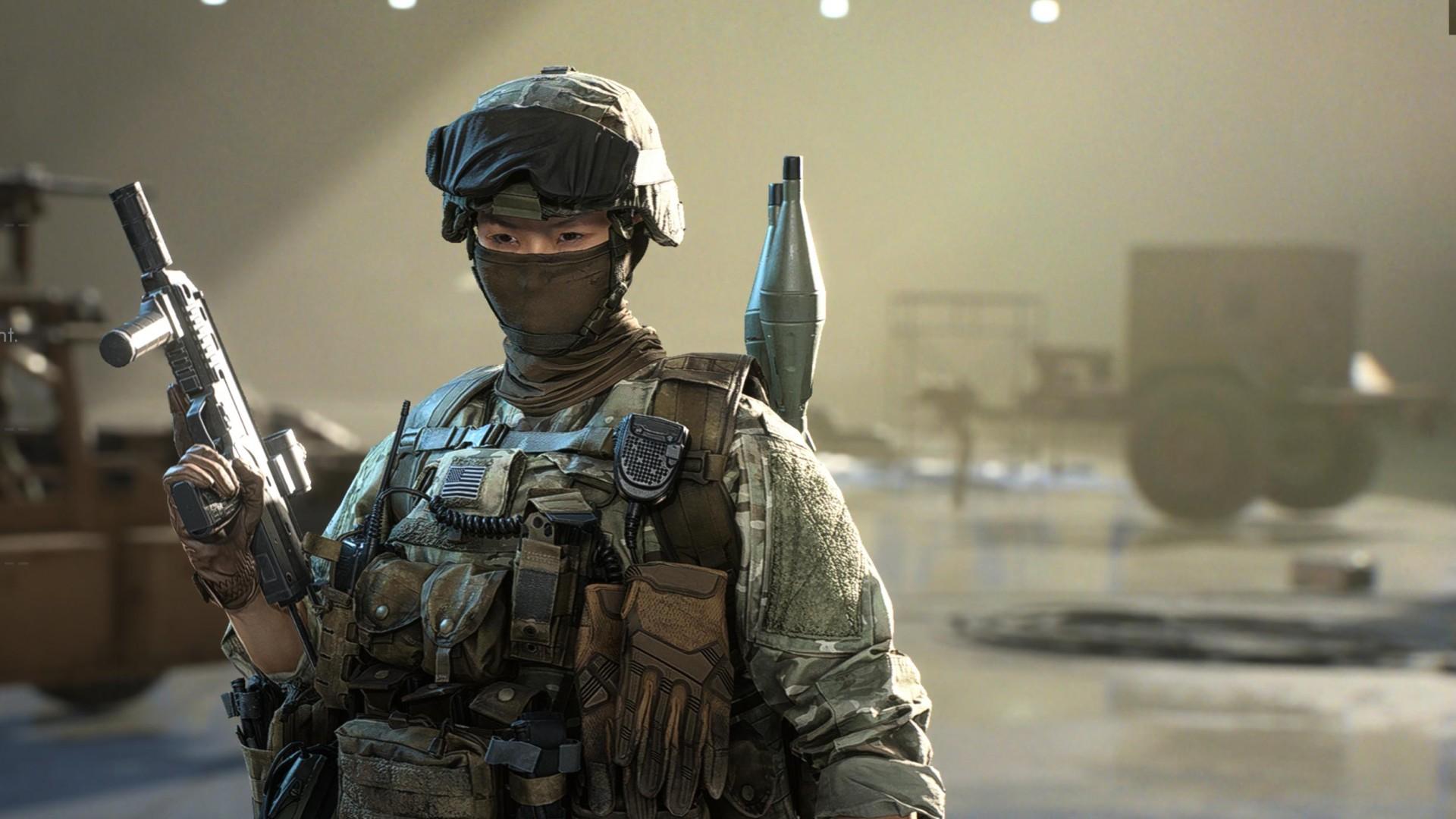
Spotting is one of the most underrated mechanics in Battlefield 6. It lets you mark enemy players or key locations so your squad can react faster. When your crosshair hovers over an enemy, press Q on PC, LB on Xbox, or L1 on PlayStation.
An orange icon will appear above the target’s head, visible to your whole team. This icon also shows on the minimap whenever you have a clear line of sight, helping teammates track enemies even in chaotic firefights.
If you’re unsure, you can finish off an opponent, mark them instead. Someone else in your squad might pick up the kill while you stay safe. You can also press the same button anywhere on the map to warn teammates of enemy movement or call attention to an area.
Battlefield 6 Spotting Tips
Spotting enemies in Battlefield 6 isn’t button-mashing; it’s awareness. The better you read the battlefield, the more useful your tags become for the team. The better your understanding of the battlefield, the better your tags are to your own team. A few quick reminders for each match to keep your spotting sharp are below.
- Mark ahead of you before shooting. A temporary mark can save your team or set up a simple assist, even if you end several seconds later.
- Do not button mash. Your spotting mechanism is on a short cooldown, so space your pings and keep them accurate.
- Use your minimap. Enemy icons flash there briefly when spotted. Check it between shots to stay updated.
- Stay close to Recon players. Their devices auto-spot enemies, so you just need to take shots as they provide intel.
- Ping everything useful your enemies, med crates, vehicles even potential routes for flanking. Every mark assists your team in coordinating faster.
- Stay on the move. Move your position after pinging; enemies are often following a ping’s trajectory back to its origin.
- Adjust your FoV. A larger view finds motion on the periphery better, whereas a tighter view provides more accuracy for longer-distance battles.
- Track movement, not hue. Camouflaged enemies are blending into their surroundings, yet motion inevitably reveals their location.
Marking becomes a habit when you practice, a thing you find yourself doing naturally when there’s a battle. Practice some more, and soon, you’ll know how many more battles your team wins merely by marking ahead of the enemy. If your squad lacks coordination or you just want to improve faster, reach out to us. We’ll connect you with Professional Battlefield 6 Players who can help you handle any in-game challenge.
Battlefield 6 Tips to Spot Enemies Easier
Some of Battlefield 6’s maps have challenging lighting and crowded terrain, which hinders spotting. Increasing your Field of View (FoV) helps to detect enemies on screen perimeters, but a FoV of too great a width blurs detail.
Player skins also blend in with specific environments. City snipers, for example, will often use grey camo to blend in with rubble. Stay alert and look for small movements instead of fixed shapes. If your display also accommodates gamma adjustment, adjusting it a notch higher really helps when playing maps in darker environments. Just don’t bring it way too high. Long periods of high gamma are going to make your eyes fatigue quickly.
Battlefield 6 Best Class for Spotting Enemies
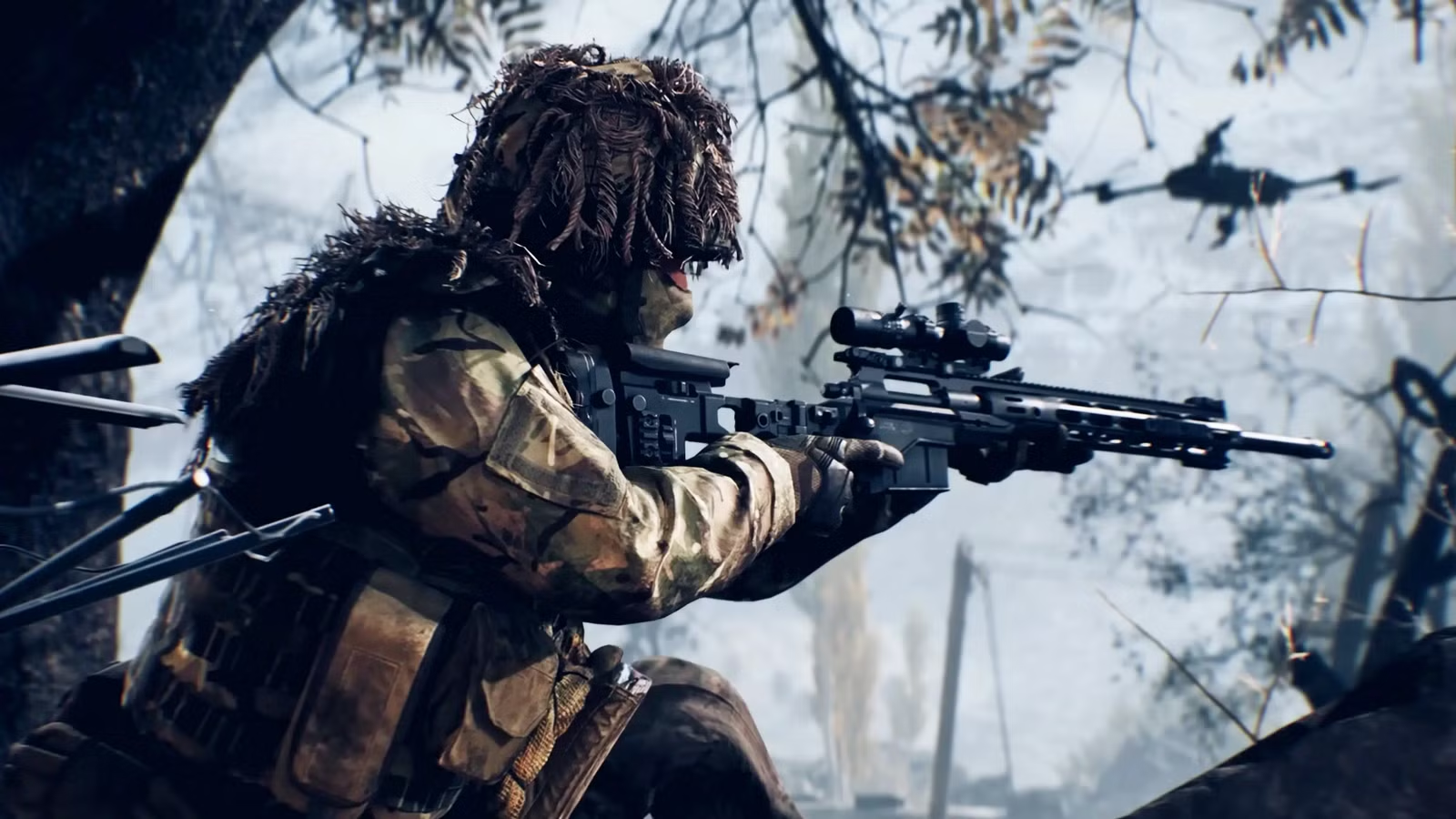
Among all classes, Recon finds spotting easiest. Their gadgets highlight enemies by themselves when hit or scanned. Devices such as the Spotting Drone or Motion Sensor expose hostiles to the entire team, even when hidden by cover.
Other classes are still required to manually spot through the ping of the Q/LB/L1 button. For teams working in coordination, a mix of auto-spotting of Recon and constant pinging by other teammates makes total map awareness and ambushing almost impossible.
Battlefield 6 How The Ping Works
Back for Battlefield 6 is the ping wheel, defaulted to the Middle Mouse Button (MMB). Use it to mark enemies, ask for ammo, or mark objectives. The ping responds almost instantaneously, no pause, no menu lag. Even if you are downed, you’ll still ping enemies or objects near your position. That quick tag might save your squad from an ambush or help your medic find you faster. Modifying your Battlefield 6 ping key:
- Open Options → Infantry Keybinds
- Choose the General tab and pick the Ping command
- Rebind it to a less stressful key for your configuration
Occasionally, hitting one button is quicker and more explicit than screaming over comms. If you want to improve your team calls and master advanced tactics, our Battlefield 6 Coaching is the fastest way to level up your gameplay. Learn how to communicate like a pro, read the map effectively, and spot enemies before they spot you.
Battlefield 6 How to Spot Enemies FAQ
Spotting in Battlefield 6 feels confusing initially, particularly due to the new button configuration and class utilities. Few players know how to work it, nor what settings really enhance spotting enemies. This concise FAQ addresses the most frequent queries, ranging from keybindings to Recon mechanics, to mark targets quicker and emerge victorious more often.
How Do You Spot Enemies in Battlefield 6?
To spot enemies in Battlefield 6, aim your crosshair at them and press Q on PC, LB on Xbox, or L1 on PlayStation. An orange marker will appear above their head and on the minimap, visible to your entire team. This makes it easier for your squad to track and eliminate them.
Which Class Is Best for Spotting Enemies in Battlefield 6?
The Recon class is the best for spotting enemies. Recon gadgets like the Motion Sensor and Spotting Drone automatically highlight enemies when they move or take damage. Other classes must manually tag targets using the spot or ping buttons.
Can You Spot Enemies While Downed in Battlefield 6?
Yes, even if you’re downed, you can still ping enemies or mark areas to warn your squad. It’s a great way to help teammates stay alert or finish off a fight you started.
Why Is Spotting Important in Battlefield 6?
Spotting helps maintain team awareness. It lets everyone know enemy positions without relying on voice chat. A quick mark can prevent ambushes, help coordinate flanks, or lead to an easy assist when your team pushes.
Does Field Of View Affect Spotting in Battlefield 6?
Yes, your FoV setting changes how much of the battlefield you see. A wider FoV helps detect movement on screen edges, but can make distant enemies appear smaller. Adjust it to balance awareness and precision.
Can Skins Affect How Easy It Is To Spot Enemies?
Absolutely. Certain player skins blend well with specific environments, like dark outfits in urban maps or desert camos in sandy zones. Be alert and focus on movement rather than color when scanning for enemies.
4.9Battlefield 6 will launch soon, marking the start of a new era for the series. Now’s the perfect time to sharpen your skills and get comfortable with the spotting system before the first global battles begin. Mastering how to mark enemies, use pings, and coordinate with Recon players will give your squad a huge advantage once the game drops, and every second will count on the battlefield.
