This Battlefield 6 Flying Guide covers everything you need to start flying jets and helicopters with confidence. Learn how to fly in Battlefield 6, how to take off, control air vehicles, win dogfights, dodge missiles, and master both air-to-air and air-to-ground combat.
 4.9
4.9How Do You Fly in Battlefield 6
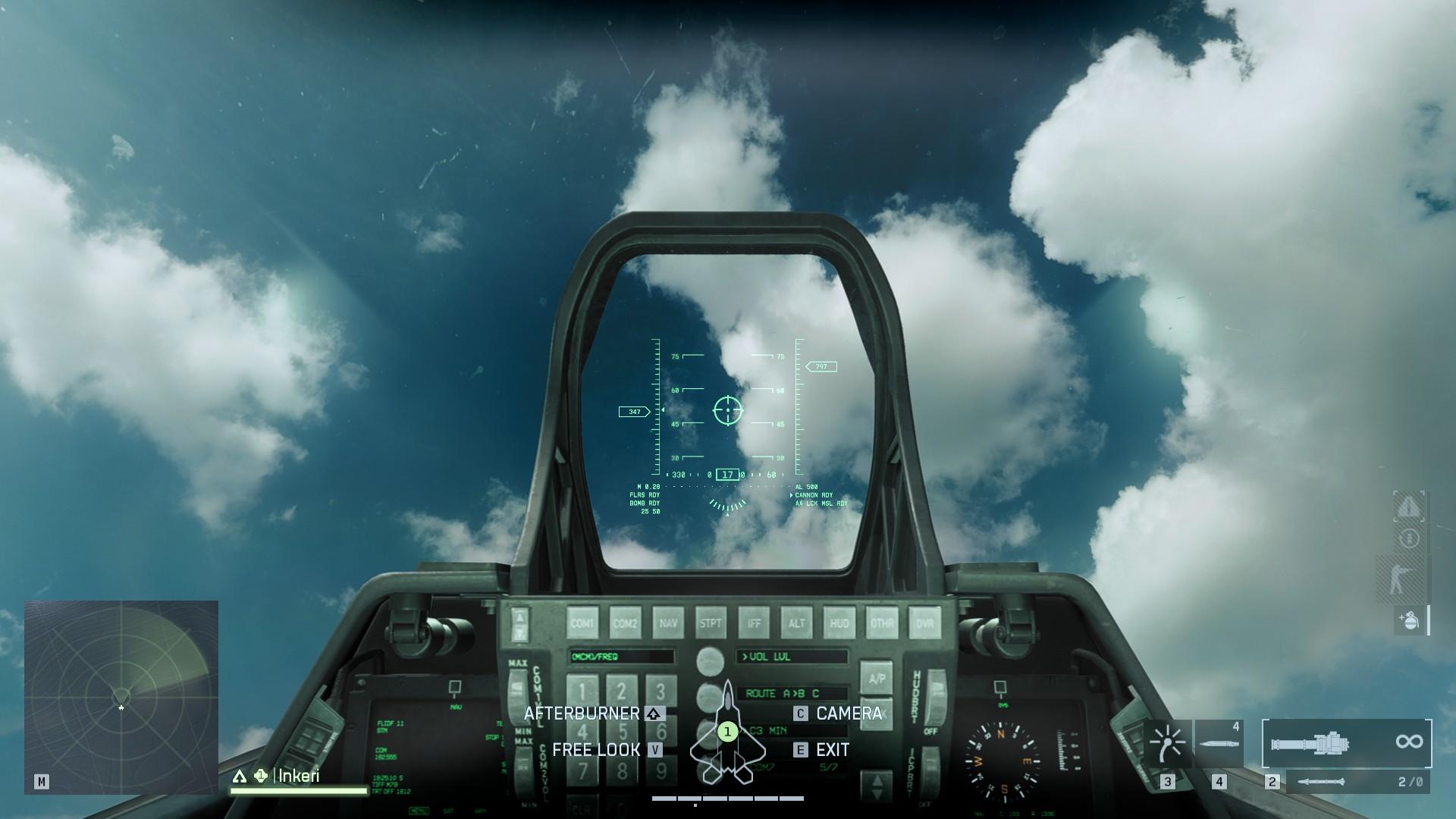
The Battlefield 6 flying controls aren’t exactly simple, and it doesn’t help that jets and helicopters also feel very twitchy. That means they’re not very beginner-friendly at all, but they are a fun divergence from the standard footslogging and driving, and can play an important role on the largest maps.
In Battlefield 6, you can control flying vehicles using either a controller or PC keyboard and mouse. Also, you can practice flying, which is highly recommended before you join the actual combat. You can find all Battlefield 6 flying vehicles at your start base.
Start learning with fully upgraded Battlefield 6 vehicles from day one. Skip the grind and jump into Battlefield 6 with jets, helicopters, and ground vehicles already leveled and loaded. We’ll handle the Battlefield 6 Vehicle Leveling — you get instant access to all key attachments, loadouts, and combat tools your vehicle needs to shine.
Battlefield 6 Flying Settings
Struggling with twitchy controls or awkward layouts? Below, in the sections, you will know about Battlefield 6 Flying Basic Controls and Handling, and here we cover the best Battlefield 6 flying settings and explain what each key or button does — so you can fly smoother and stay in control.
Battlefield 6 Controller Flying Settings
First, you need to learn the controls for both vehicles in BF6. Battlefield 6 controller flying controls offer better precision in movement. In fact, using a controller is recommended if you plan to fly in Battlefield 6, as it allows better control over the situation. Here we have compiled for you the Battlefield 6 Controller Flying Controls:
| Action | Control | Notes |
|---|---|---|
| Pitch & Roll | Right Stick | Tilts the nose and rotates the aircraft (inverted by default — pushing forward pitches down). |
| Yaw & Throttle | Left Stick | Turns left/right and adjusts speed (speed up/slow down). |
| Fire Weapons | R2 / RT | Some weapons require lock-on. |
| Switch Weapons | Triangle / Y | Cycle between available weapons. |
| Zoom | L2 / LT | Useful for targeting and long-range accuracy. |
| Switch Camera | Press Right Stick | Toggles first-person and third-person views. |
| Afterburners (Jets Only) | Press Left Stick | Boosts jet speed for quick escapes or pursuit. |
| Equipment Slots | D-Pad Left/Right | Activates secondary equipment. |
| Freelook | Hold D-Pad Down | Lets you look around freely inside the cockpit. |
| Exit Vehicle | Hold Square / X | Safely exits the aircraft. |
✏️ The default layout feels awkward for helicopters. Switch to Alternate layout — it moves Throttle to R2/L2 and Fire/Zoom to L1/R1, which makes choppers far easier to control once you get used to it.
Battlefield 6 PC Flying Settings
Mastering aircraft handling on PC in Battlefield 6 can make or break large-scale matches. Mouse and keyboard controls give more precision, but even small tweaks to sensitivity or deadzones change how smoothly you fly. In this section, you can find Battlefield 6 PC Flying Controls:
| Action | Control | Notes |
|---|---|---|
| Pitch & Roll | Mouse Movement | Standard flight handling using mouse precision. |
| Throttle | W / S | W speeds up, S slows down. |
| Yaw | A / D | Turns the aircraft left or right. |
Battlefield 6 How to Practice Flying
The best way to practice flying in Battlefield 6 is through the Portal mode. The Portal Mode will help you if you are wondering how to practice flying in Battlefield 6. Here, players create custom experiences focused on air combat and vehicle training. From the main menu, open the Community tab and hit Browse Servers to explore available lobbies in your region. Many of these servers are dedicated to helicopter or jet practice, giving you a safe space to master turns, rolls, and weapon control without live pressure.
If you prefer solo sessions, you can host a Portal Experience locally. Just find a training server, open its info panel, and select Host/Host Locally. Keep in mind that Verified servers use official rules and grant XP, while Custom ones can be hosted offline but don’t reward XP.
You can also search by Experience Codes, such as a few mentioned below. which were prepared by both the community and the BF6 official. These are perfect for testing every aircraft before you hit real matches.
- DXS4: Vehicle and Soldier Shooting Range by AP_Atipoya;
- 6GVY: Helicopter and Jets Practice by Tricky;
- X8XB: Ace Pursuit by Battlefield Official.
Now you know how to practice flying in Battlefield 6, but you’re still struggling to master jets or helis in Battlefield 6? Get a Battlefield 6 Coach who’ll fly with you, explain everything in real time, and teach you how to control, fight, and survive in the sky. You’ll learn takeoffs, dogfights, lock evasion, and strafing runs all while playing live.
Battlefield 6 Flying Tips
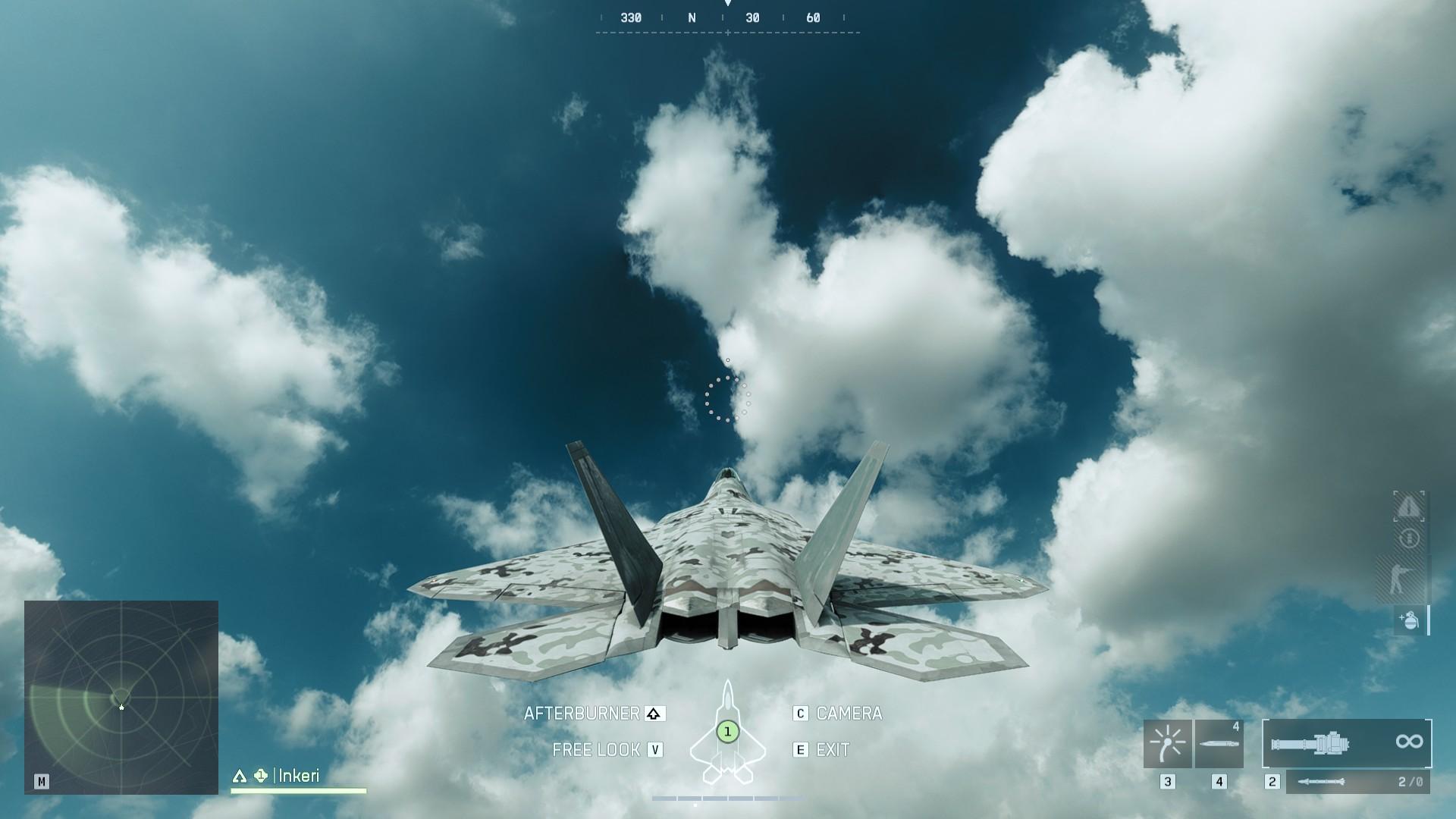
Flying in Battlefield 6 can be overwhelming at first. The controls are sensitive, jets handle like wasps on caffeine, and helicopters will absolutely betray you if you’re not paying attention. But once you get the hang of it, air vehicles become one of the most fun and impactful tools in big matches. Here’s what you need to know to stay airborne – and useful.
- Don’t fly in straight lines. Ever. Especially not low and slow. Zig-zag, vary your altitude, and keep moving.
- Wait to use flares until you see the actual “INCOMING” warning on your HUD that means a missile is in the air. Using them too early = dead pilot.
- Fly low and fast if you’re under pressure. Terrain can block locks and break sightlines. Just don’t clip a ridge or tree.
- Return to base for repairs. Jets and some helicopters don’t self-repair, but if you fly low through your spawn’s vehicle depot, you’ll be topped up automatically.
- Always be in motion, hover only when safe, or for that quick precision shot. Stationary choppers are sitting ducks.
- Use yaw for steering, rather than rolling. It’s much smoother and helps you stay level. For sharp turns, you can use a combination of yaw and a bit of roll, but don’t overdo it or you’ll lose control.
- Bring a gunner. Particularly in attack helicopters, another player adds guided missiles and continuous fire support. A complete game-changer.
- Jets are made for air-to-air. Clear the skies first, especially enemy helis. You can shred them with your autocannon; it ignores flares.
- Throttle control is everything. More speed = less turn radius. Slow down to turn tighter, but not so much that you stall. If you’re losing lift, hit afterburners to recover.
Want your tanks, jets, and helis to stand out? Hit your ideal Battle Pass Level and unlock the full collection of vehicle cosmetics in Battlefield 6. No waiting, no missing out — just the best skins, unlocked and ready for battle.
Battlefield 6 How to Fly Jets
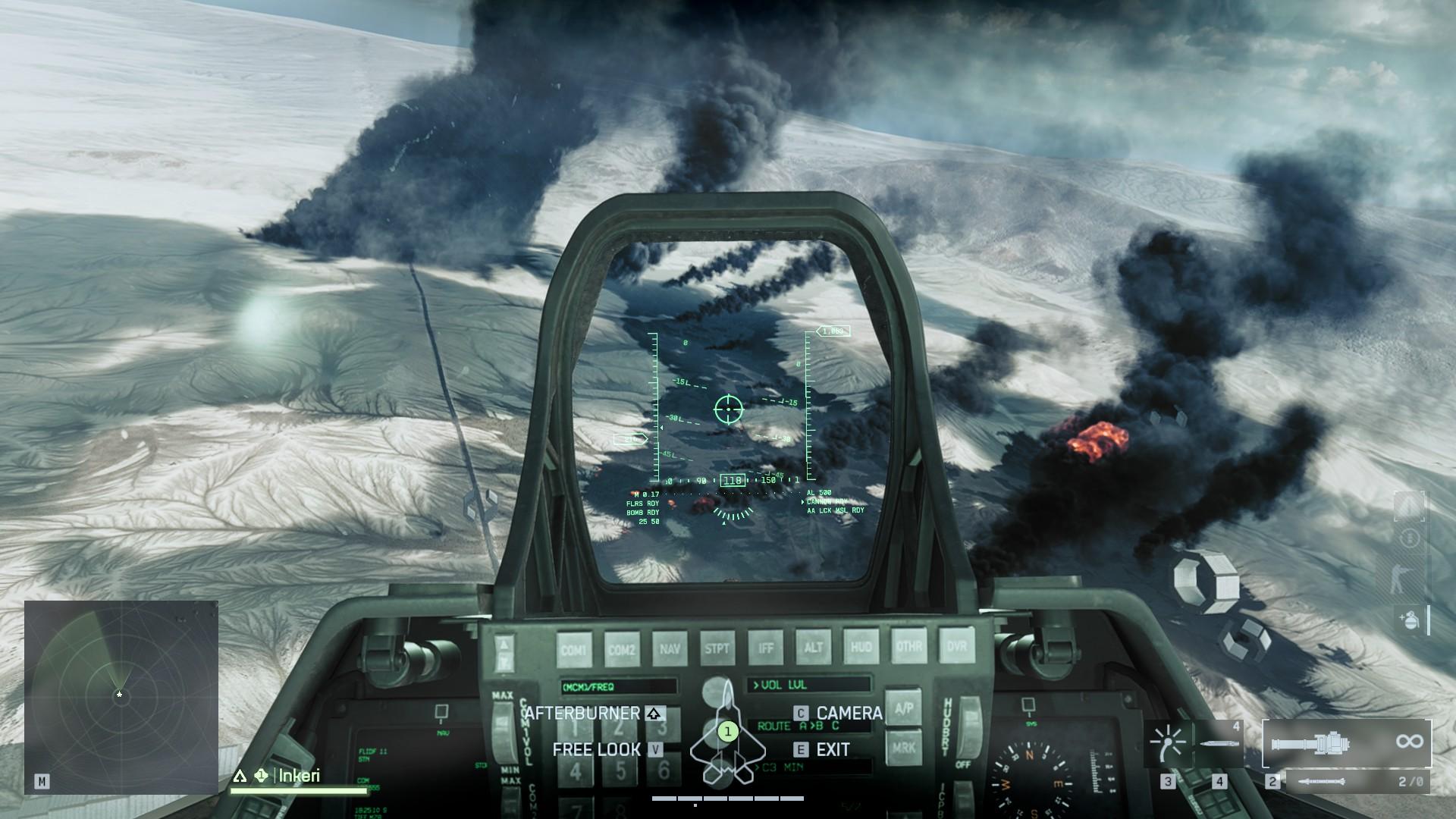
Jets, when flown well, are utter beasts, but they require a learning curve nonetheless. If you’re playing Battlefield 6 and just trying to get a grip on Jets, don’t worry, as this is a step-by-step guide on playing them without having them blow you up on impact, as follows:
- Step 1 — Takeoff. The jets either spawn mid-air (easy) or on a runway (manual). On runways, go full throttle and gently pull back once you are going fast. Smooth pitch = clean takeoff, don’t yank the stick.
- Step 2 — Control the Air. Don’t think about bombing just yet, and your concern is air superiority. Destroy enemy planes and helos first. Use your autocannon, as it is shredding, and flares won’t protect them. Take care of air superiority, then you can deal with ground forces.
- Step 3 — Dogfighting. Practice throttle control. If you go slow enough, you can turn on a dime, but don’t stall. Take your stick back and turn, then afterburners to get back on target. Avoid going up, as this is instant speed loss. Use terrain, sudden diving, and changes of direction to loosen a lock on you. Third-person view and freelook will help you keep your target in sight.
- Step 4 — Ground Attack. If air is secured, begin bombing runs. Dive at shallow angles, fire your payload, and then pull up sharply. Don’t linger. Use terrain to stay close to hills and avoid AA fire. And don’t fly directly over enemy-held areas unless you’re just asking for an RPG blast.
Battlefield 6 Jet Controls
Before you can dominate the skies, you’ve got to wrangle the controls, and Battlefield 6 jets aren’t exactly plug-and-play. They’re twitchy, fast, and one wrong input can send you spinning into a hillside. But once you understand how each stick, button, and key works, it starts to feel more natural (well… almost).
- Pitch/Roll with the right stick or mouse (push up = nose down by default).
- Yaw with the left stick or A/D keys.
- Throttle is also on the left stick (or W/S).
- L3 (click left stick) for afterburners (only when throttle is high).
- R2 / RT to shoot (rockets, cannons, or whatever loadout you’ve got).
- Triangle / Y swaps weapons mid-flight.
- Switch cameras with the right stick press — use third-person to spot threats.
- Hold D-pad down (or assigned key) to freelook behind you — super handy in dogfights.
Set it up so it feels right. If the default layout feels clunky, try switching to the Alternate scheme — some players find it gives better control in tight turns.
Battlefield 6 How to Fly Helicopters

Flying helicopters in Battlefield 6 isn’t plug-and-play, with it feeling at first like trying to balance a fridge on a drone. When you get the controls down, though, helis become one of the most fun and impactful tools on large maps.
- The basics: Throttle controls altitude; more equals rise, less equals drop. Pitch tilts your nose to move forward or backward. Unlike jets, helicopters turn best with yaw slow. Smooth stick movements give you way more control. Roll is useful for sharp banks but easy to overdo. If you’re on controller, make sure to switch to the Alternate layout – it separates throttle and yaw, making altitude control way easier.
- Takeoff is easy: just ease up on the throttle, pitch forward slightly, and you’ll be off cruising. Don’t ever hover in open space because that’s just asking to be a missile magnet. Keep moving, even at low speed. Use terrain like hills or buildings to mask yourself from lock-ons.
- In combat: attack helicopters are great with a gunner; allow them to take out ground targets while you sort out placement and avoidance. Only make small attack runs; never stay in one place. Pop flares only when you see the “INCOMING” warning and break LoS right after.
Want a better K/D in Battlefield 6 without wasting hours? Play alongside Pro-Level Teammates who’ll help you rack up kills, survive longer, and win more fights, all while you stay in control.
Battlefield 6 How to Get Jets and Helis
To fly a plane or helicopter in Battlefield 6, you have to actually get your hands on one first, and that itself is half of the battle that awaits you in Battlefield 6.
Air vehicles can’t be found or spawned in all gaming modes or maps. You can mostly expect them on large-scale gaming modes, such as Conquest, Breakthrough, or Operations, and especially on open-world maps like Mirak Valley, Operation Firestorm, or Blackwell Fields.
Jets will normally spawn about 30-60 seconds into a match on your team’s HQ or on the deployment screen. If you’re on a map that has a runway, pay attention to that, as your jet icon will pop up when it is ready. So, be quick, because as soon as it spawns, it is first-come, first-served.
Helicopters seem to occur a little bit earlier and can be found near HQ or spawn locations on the deployment map. Some of these maps actually allow you to spawn inside one, especially if your teammate is already operating one. If you happen to miss the jet or helicopter spawn, there are other opportunities available:
- Watch the deployment screen. Jets and helis will respawn on a timer after they’re downed, just stick around and grab one as soon as it becomes available.
- Play together with a friend. If your friend acquires a chopper, you can spawn on it and jump into its role of gunner or passenger.
Battlefield 6 How to Fly FAQ
Flying in Battlefield 6 is powerful, stylish, and occasionally chaotic. Whether you’re learning to lift off or trying to win dogfights, here’s a quick FAQ with straight answers to the most common flying questions.
How to Fly a Plane in Battlefield 6?
Spawn into a jet from your HQ or deployment screen. Throttle up, pitch gently to take off, and use yaw, roll, and afterburners to fly.
How Do I Take Off in Battlefield 6 Jets?
If you spawn on a runway, throttle up fully and gently pitch up once you gain speed. Don’t yank the stick — smooth inputs prevent stalls and crashes. Some maps spawn jets mid-air, so you start flying instantly.
How Do I Control Helicopters in Battlefield 6?
Throttle = vertical lift, pitch = forward/backward movement, yaw = turning. Roll is optional for sharper maneuvers. On controller, switch to the Alternate layout — it gives you way better control over altitude and turns.
Can I Change the Flight Controls in Battlefield 6?
Yes. Go to the settings menu, open the Controller tab (or Keybinds on PC), and scroll down to the Aircraft or Helicopter section. Change layout, sensitivity, deadzones — whatever feels right.
When Do Jets and Helicopters Spawn in Battlefield 6?
Usually, 30–60 seconds into a match. You’ll find them at HQs or as icons on the deployment screen. Once destroyed, they return after a short cooldown — be ready to click fast.
How to Practice Flying in Battlefield 6?
Use Portal to join low-pop servers with jets and choppers. Practice without pressure. Also, turn off flight assists and adjust your sensitivity until controls feel smooth and responsive.
What Should I Do if I’m Locked-on in Battlefield 6?
Wait for the “INCOMING” warning, then deploy flares. Immediately dive or break line-of-sight using terrain. Don’t flare too early or fly in a straight line — that’s a quick way to get hit.
4.9Flying in Battlefield 6 lets you break away from the ground game and impact the match in a whole new way from the skies. And while flying isn’t required, mastering it opens up an entirely different side of Battlefield. It’s up to you if you take off or stick to the ground, but once you learn to fly, it’s hard to go back.
